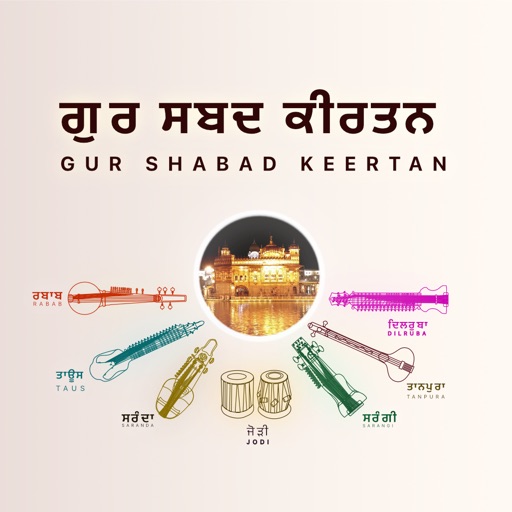
Play and record melodies with realistic keyboard controls. Adjust volume, pitch, and tone settings. Choose from preloaded Indian classical and devotional scales. Save and share performances. Sync with music libraries for playback.
by Alper Kahriman★ 4.340 ratingsMusicFreeData updated 2026-09-06
Create and play melodies, scales, and arpeggios with one-touch-per-note controls. Adjust pitch of individual notes in real time. Connect to software effects or record directly in DAW apps.
Play and learn musical instruments with virtual tabs, , , and . Access songs from your music library to maintain rhythm. Adjust tuning for accuracy. Create custom beats using an MP3 player. Sync with Apple Health for progress tracking.
Practice musical instruments from Sky: Children of the Light with interactive lessons and real-time feedback. Track progress with session history and skill levels. Adjust tempo and difficulty to customize practice sessions.
Play by bowing or plucking strings. Adjust tuning and volume. Access sheet music and practice guides. Record performances and share audio files. Sync with music libraries for additional tracks.
Create and manipulate sounds using touch gestures on the X-Y pad. Adjust filters, effects, and waveforms in real time. Save and share custom sound presets. Control tempo and pitch with on-screen sliders. Connect to external devices via MIDI.
Record sounds via microphone and manipulate them live with pitch, distortion, and looping. Apply resonant filters, delays, and envelopes. Play sounds in stepped mode like a keyboard or free mode for microtonal effects.
Learn to play the with guided tutorials and practice modes. Explore historical context and cultural significance. Record and playback performances. Adjust pitch and tone settings for realistic sound. Share recordings directly.
Practice identifying , , and intervals through interactive exercises. Train ear to recognize melodies and chord progressions. Play accompaniment on guitar or piano. Track progress with built-in exercises and scales.
Learn bluegrass guitar, mandolin, banjo, and bass techniques. Access sheet music, chord charts, and tablature. Adjust skill level with a slider. Switch between different licks and song variations. Practice fingerstyle and flatpicking patterns.
Create beats by tapping colorful pads, each acting as a separate track. Use 48 pads divided into three sections with four time slots. Mix and match audio tracks for custom effects. Save favorite patterns for later use.
Create and manipulate sounds with customizable oscillators and filters. Adjust envelopes and LFOs for tone shaping. Apply studio-quality effects like reverb and distortion. Save and load presets. Export audio files and share directly.