Customize Apple with particle designs, colors, and textures. Add personal photos and wallpapers. Preview designs in AR. Install images and animated directly to the . Edit and save face settings.
Capture high-quality scans of documents, receipts, and business cards. Crop, adjust brightness and contrast, and apply filters to scans. Save and share scanned files in multiple formats.
3D objects with LiDAR or cloud photogrammetry for detailed models. Use Gaussian Splatting for realistic AR scans, including transparent and reflective surfaces. Generate AR QR codes from 3D models for direct viewing. Customize AR designs.
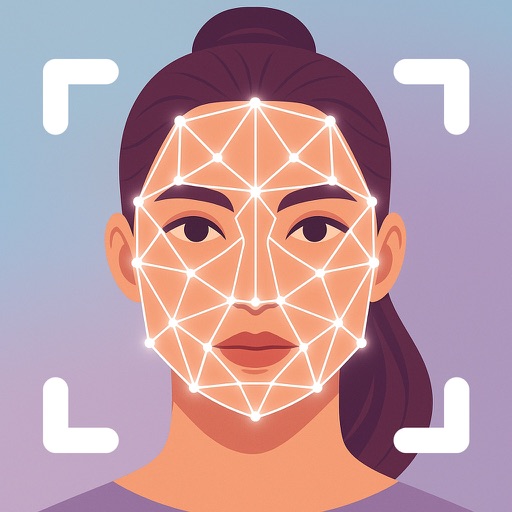
Upload a photo to analyze facial features and determine . Receive recommendations for hairstyles and glasses frames. View detailed AI-generated insights on facial geometry and flattering styles.
Create 3D scans using device LIDAR or a Mac . Share scans in augmented reality or export for 3D printing. Generate 3D objects via text input with AI. Export scans for augmented reality or 3D printing. Process scans on-device or via Mac .
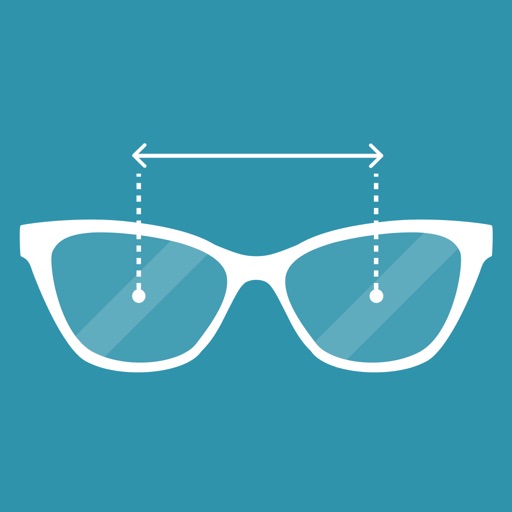
Use AR technology to measure far and near pupillary distance without additional tools. View left and right measurements for distance and near viewing. Requires iPhone X or newer with Face ID support.
Length and height using your phone's as a or . Detect surroundings with AR technology. Use the level tool for precise measurements. Place aiming mark on object for accurate readings.
Identify with a 3D scanner. Explore tailored to . Adjust in real-time using drag-and-drop tools. Preview on photos with realistic rendering. Save and share preferred styles.
Track daily self-improvement progress with AI-driven face scans, personalized task plans, and habit-building tools. Set goals for appearance, routine, and confidence. Monitor changes over time with visual feedback and consistency reminders.