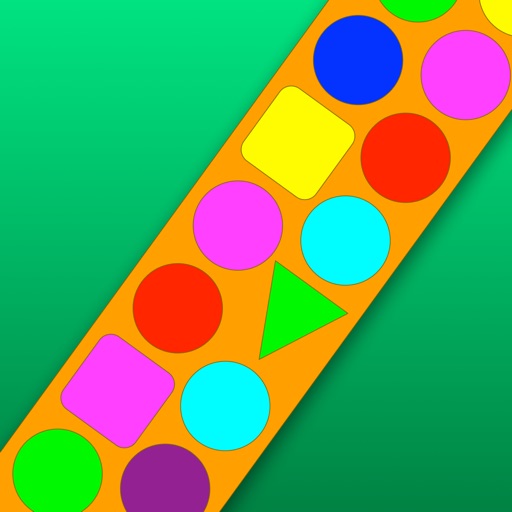
Calculate lengths, angles, and area of shapes. Select a shape from a list. Input values into text boxes linked to orange points. Adjust point positions using the NEXT button or tapping points.
The app offers a 64-bit calculator with 10 registers for saving values and multiple display options including Hex, Oct, and Bin. It includes trigonometric functions, unit conversions, and combinations/permutations calculations.
Print documents and photos from iOS devices. Scan and annotate documents. Choose from supported printers to print. Create and print text notes. Edit scanned content before printing. Requires subscription for full features.
Draw on a or whiteboard with adjustable brush sizes and multiple paint colors. Create shapes like lines, arrows, circles, and polygons. Add text with customizable font sizes. Import photos and record video directly within the .
Create and refine sketches and designs with layering and scaling features. Add symbols, text, and dimensions. Import images or plans to set scale. Zoom without quality loss. Rotate elements or the entire drawing.
Scan documents into high-quality PDF or JPEG files. Rename and organize scans. Share files via email or messaging. Correct perspective, remove shadows, and adjust contrast. Choose color or black-and-white modes.
The app provides a source of light for the user. It offers many different night lights to shine away the darkness and features an HD design with a classic clicking noise.
Create and customize rooms in 2D floor plans. Add and adjust room properties. Drag and drop furniture, doors, and windows from organized categories. Edit objects and arrange layouts. Save and export designs. Limitations on object count apply.
The app allows users to capture screenshots using various modes and annotate them with customizable markup tools. It offers features like mosaic overlay for blurring sensitive information and multiple options for saving and sharing captured images.