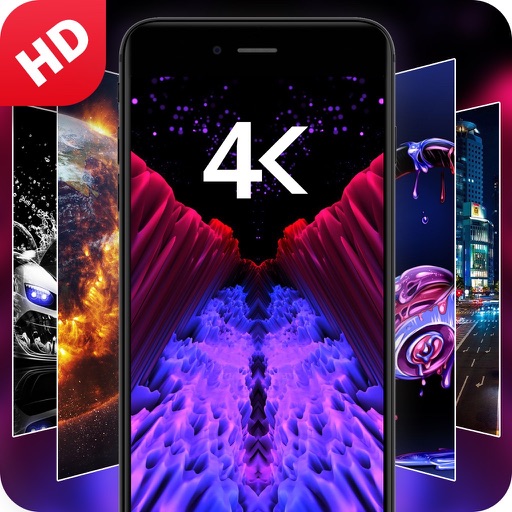
IPhone screens and wallpapers with HD images and icon skins. Download and apply designs directly. Share wallpapers with friends. Access a wide selection of backgrounds and icons.
Customize iPhone or iPad home and lock screens . Add shortcuts, apps, and folders for quick access. Manage across screens. Integrate iOS 16+ features for enhanced control and efficiency.
Create custom island and wallpapers for iPhone models. Import a photo as background, choose from over 80 styles, and save to album or set as . Adjust settings to personalize design.
Create custom wallpapers with scaling and resizing options on various backgrounds. Choose from color, gradient, pattern, bokeh, and text effects. Apply parallax effect for all iPhone and iPad devices.
Customize Home and Locked Screen with HD Retina images. Edit professionally. Share creations with community, save favorites, and follow friends. Receive daily wallpaper updates.
The app allows users to customize iPhone, iPhone X, or iPad wallpapers with a blur effect. Users can apply the effect to included wallpapers or their own photographs and draw on images with included brushes.
Keep track of daily tasks and events with reminders. Create checklists and notes. Manage multiple profiles. Backup data. Access visual TPC and notices. Stream K.K songs online. Use 5 languages. View startup tips and wishlists.
The app allows users to resize, rotate, and move photos to fit device screens. Users can discover community-provided photos from Unsplash and edit them.
Browse high-quality of real and imaginary . Save photos to share with friends or set as wallpapers. Use to create pranks by pretending to travel to depicted locations. Rate the to help improve future updates.
Create and explore digital stories with a collection of creative tools. Access free HD wallpapers. Edit and customize content with intuitive, lightweight features. Integrate multiple apps for seamless storytelling and content creation.
Resize and crop photos by setting custom vertical and horizontal ratios. Select and trim multiple images with swipe gestures. Adjust photos in two modes: proportional cropping or adding color margins to fill missing areas.