Island features adorable characters and simple gameplay for young children. Players can search by tapping the screen and use hints when needed. The includes an auto-save function and allows note-taking by swiping left from the right edge.
The app allows users to add wobble effects to photos, simulating the motion of soft objects. Users can adjust softness, control shake areas through various gestures and device movements, and record videos of the wobbling effect.
Solve riddles and puzzles to . Tap to search clues. Swipe left to take notes. Use hints when stuck. Auto-save progress. Features adorable characters and simple controls for all ages.
Solve room puzzles by interacting with objects and solving riddles. Explore a serene garden environment with animated flora and sculptures. Access hints during gameplay. Auto-save progress. Swipe to navigate and manipulate items.
Solve puzzles by tapping and swiping to search for clues. Use hints to progress. Auto-save game progress. Take notes by swiping left from the screen edge. Features adorable characters and simple controls for easy gameplay.
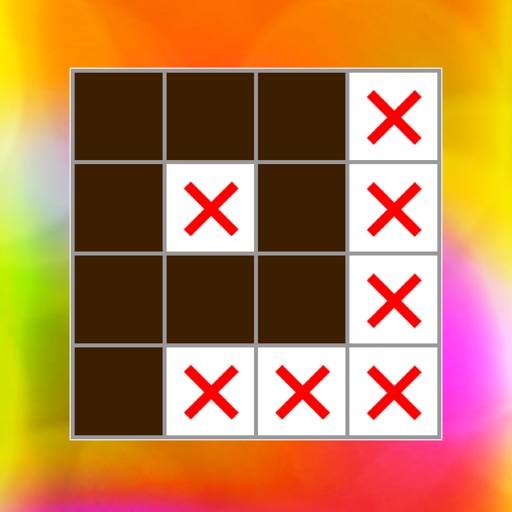
Solve pixel art using numbered hints to determine filled and blank pixels. Reveal images by logically deducing correct cells. Play hundreds of with increasing difficulty. Track progress and complete challenges. Share completed artwork with others.
Create sketches from photos or camera captures with "," "Doodle," and "Hatch" styles. Adjust colors for black-white or vibrant results. Save images with a single tap. Share generated sketches directly.
Navigate through a jungle environment to avoid stampeding elephants. Use right button to jump or stomp and left button to slow down. Earn points by stomping elephants. Complete levels to progress.
Solve mysteries and the world of using items. Swipe to take notes. Access hints when needed. Auto-save progress. Play multiple times to find all seven Lucky Gods.
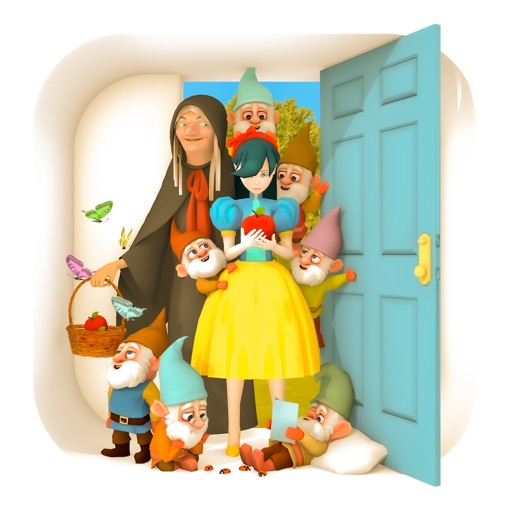
Solve mysteries and use items to world. Find hidden locations to locate all Seven Dwarfs. Access hints and auto-save progress. Swipe left to navigate the interface. No paper or pen required.
The app reveals how faces would appear if the right and left sides were symmetrical. Users can load or take photos, process them, and compare facial sides.
Play puzzles using photos for clues. Tap to zoom in on images and slide fingers across letter grids to form words. Use a help button for assistance. Track progress and compete with others.
A trivia game where users answer multiple-choice questions about players. Tap 'Next/Skip' if unsure. No in- purchases. Features include question selection, answer options, and progress tracking.
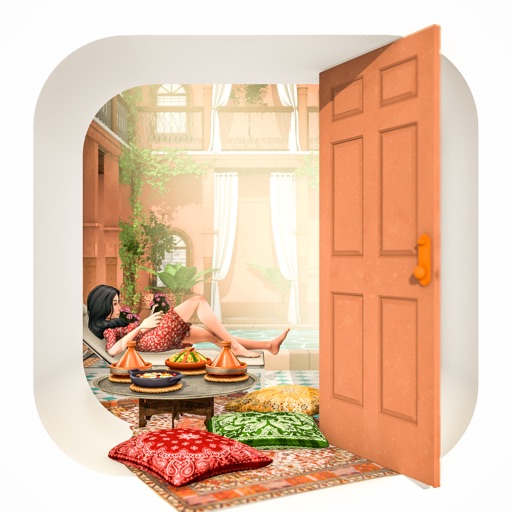
Solve room puzzles in a Moroccan mansion. Search for hidden clues and items. Use swipe gestures to take notes. Access hints when needed. Auto-save progress. Play with intuitive controls.
Use augmented reality to place a basketball hoop 7.5m away in open spaces like parks or playgrounds. Adjust position and view shots from Hanamichi's perspective. Tap the right screen edge to take photos of the AR scene.