The app offers a simple method for creating artistic photographs with over 35 professionally designed camera filters. Users can save or share their creations via email or social media platforms.
Apply to photos with adjustable strength and shape options. Add 50+ filters and crop images. Use double exposure feature. Edit smoothness and export edited photos.
Capture photos of the moon by aligning the camera manually. Adjust moon size with two fingers. Tap to autofocus or manually adjust focus. Modify brightness using +/- buttons for better detail. Press the circular button to take a photo.
Capture 4K videos at 30, 50, or 60 FPS or take high-quality 5K photos with a single press. Adjust exposure by dragging, flip the camera with a double tap, and record by holding.
Enhance blurry images to produce high-resolution faces. Unblur old photos for clearer results. Analyze historical images to reveal detailed facial features. Output sharpened versions of low-quality images.
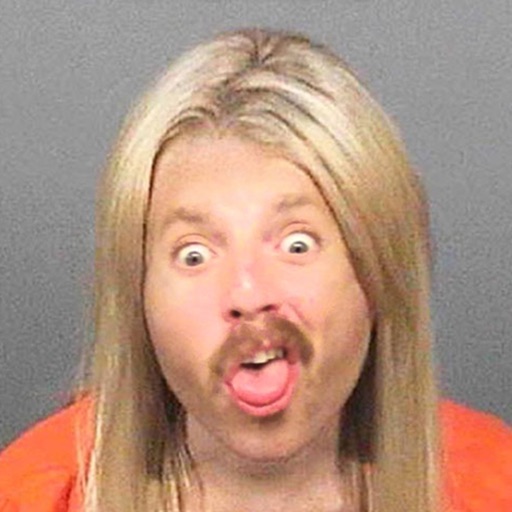
The app allows users to place their face or a friend's face into over 200 mugshot images. Users can add extra images, captions, and frames to their creations before sharing them.
Create funny morphs by selecting two photos. one to another and swap to reverse the effect. Adjust intensity and save results as single images or collages. Supports multiple photos.
Practice with animated beat patterns that align with traditional musical tempo indicators. Track progress within the beat using visual cues. Adjust tempo and observe rhythmic patterns without mechanical clicks.
Merge photos vertically or horizontally by selecting up to 10 images. Arrange, reorder, and delete photos easily. Rotate to landscape for side-by-side merging. Preview merged results before saving. Edit individual photos by pressing and holding.