
No Share Camera
HIDEKAZU JIBIKI
Photos saved to local storage only.
The app saves photos to its local storage. Users can set a password to view saved photos within the app.

Showing 201–220 of 1,000 ranked alternatives.
HIDEKAZU JIBIKI
Photos saved to local storage only.
The app saves photos to its local storage. Users can set a password to view saved photos within the app.
Lili ZHENG
Shoot with templates, edit styles, share photos
Take photos with adjustable resolution options for different styles. Compare templates during shooting for reference. Choose from various photographic styles including classical and HD formats. Adjust settings for sharpening and resolution.

Quantis, Inc.
Apply filters and effects in one tap
Create artistic images with single-tap camera effects and professionally designed filters. Adjust brightness, contrast, and tone curve. Blur and focus images. Rotate, crop, and resize photos. Add text and fun stickers.

勇 陈
Record videos in selectable resolutions
Record videos in resolutions including 1080p, 720p, 540p, 480p, and 360p. Choose a default resolution and set bitrate from 16.2Mbps to 0.25Mbps. Display maximum recording duration based on selected settings.

DoItWell Application Ltd
Remove background from photos
Remove similar color backgrounds from images and save transparent versions to the camera roll. Erase using finger or wand tools. Zoom and rotate with two fingers. Crop photos and share to other apps.

Model Me Kids, LLC
Visual tool for community navigation skills.
The app is a visual teaching tool that helps children learn to navigate community locations. It features photo slideshows of children modeling appropriate behavior with audio narration and descriptive text.
Sergio Musoles Tornador
Create collages with photos and frames
Create collages with customizable grids and multiple layout options. Add photos by selecting from camera or gallery. Adjust images using zoom and touch gestures. Change background colors or themes. Save or share collages through social media apps.

Bhavik Savaliya
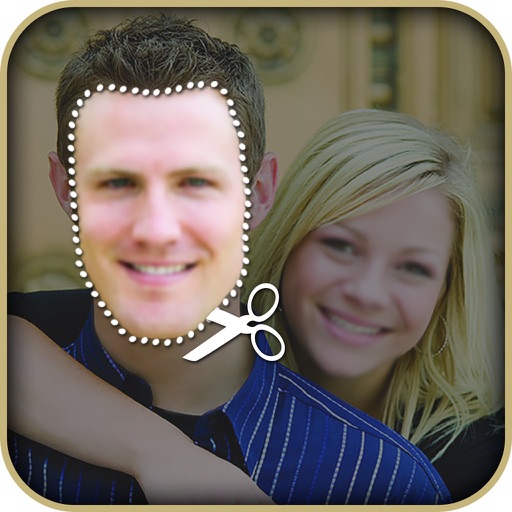
Cut and paste photos easily.
The app allows users to cut portions of photos, such as faces or objects, and paste them onto other images. Users can select photos, cut parts of them, and then paste these cut sections onto different backgrounds from their gallery or camera.

Go Yoshida
Capture photos with 144x and tilt elimination
Take photos with continuous focus and exposure adjustment. Use horizontal detection for natural shots. up to 144x during or after shooting. Trim images before saving. Import photos from the library. Quick launch via widget.

Hareshbhai Issamaliya
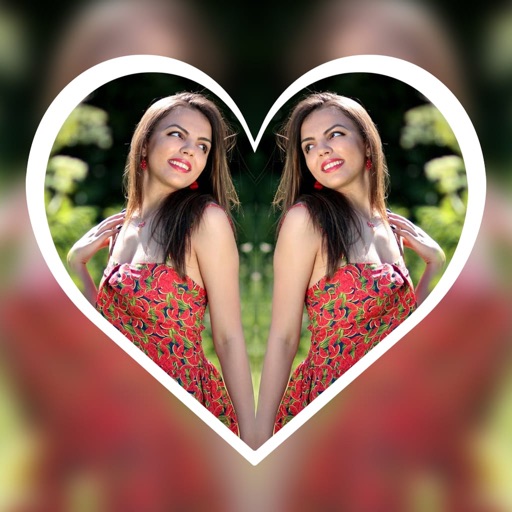
Create effects and apply frames to photos
Create reflection effects with left-right, up-down, or repeat options. Apply effects and designer frames to enhanced images. Select from gallery or capture new photos for editing. Export and share edited images.

Mireia Lluch Ortola
Send with custom frames and audio
Personalized by selecting photos or from your gallery and applying favorite frames. Adjust images with zoom, rotation, and movement. Choose background music or mute the video. Save and share the final video through social media apps.




Mireia Lluch Ortola
With frames and audio
Personalized by selecting photos or from the gallery and applying favorite frames. Adjust images with zoom, rotate, and move gestures. Choose background music or mute the video. Save and share the final video through social media apps.

Thomas Lojko
Edit photos with retro frames
Edit photos by selecting frames in square or portrait format. Reposition, resize, and crop images within the . Customize appearance and apply filters. Preview final edits and save to photo library.
Apps are ranked by functional similarity, category fit, rating confidence, and popularity.