The app provides the full Quran Arabic text with Malayalam translation and word-by-word translation. Version 1.4 includes bug fixes, corrections, and new features like font resizing and quick online content updates.
Edit photos and videos with one-tap presets or filters. Adjust details using retouch tools, object removal, background blur, and precise editing. Export edited content in various formats. Share directly from the .
Create digital artwork with realistic painting and drawing tools. Use exclusive brushes mimicking real-world art mediums. Simulate fluid watercolor effects. Adjust brush settings for precision. Export artwork in various formats.
Draw on physical paper using AR templates for tracing and sketching. Paint and color directly on paper with digital tools. Save and share artwork. Adjust brush settings for pressure sensitivity and stroke control.
Create using a drawing interface with customizable brushes and pencils. Import and animate vector graphics. Export frames as images or video. Add sound effects and background music. Share directly to social media or email.
Read and navigate biblical texts adjustable font sizes and themes. Search for verses and keywords. Highlight and annotate passages. Access cross-references and footnotes. Share verses via email or social media. Sync reading progress across devices.
AI-generated videos and images from single photos. Upload selfies or portraits to create dance videos using TikTok-style templates. Convert photos into AI videos or studio-quality portraits. Edit and export final outputs directly.
Edit images by on photos and adding text. Choose from 45 colors and five pen thicknesses. Use zoom editing and undo functionality. Share edited images via email, Twitter, and Facebook.
Create art with layers and animation support. Use a variety of tools for detailed design. Add background music to animations. Export videos in MP4 format. Sync projects via Google Drive. Join a community for feedback and collaboration.
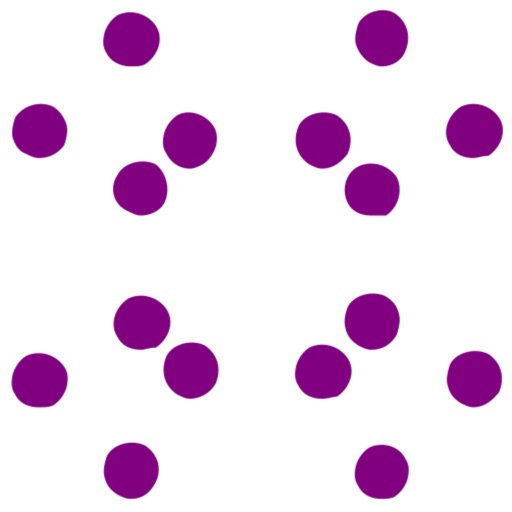
Create images using color or black and white dot patterns. Adjust dot size, rotation, and blend rate with the original image. Save photos up to 2000x2000 pixels. Apply polka dot effects for artistic designs.