Create detailed technical illustrations and artistic designs with vector editing tools. Draw, reshape, and color elements with precision. Import and export files in multiple formats. Use layers, masks, and effects for advanced design work.
The app presents medieval Japanese hand scrolls, Choju Giga, on an iPad. It features the first two scrolls, known for humorous animal depictions and elegant brush strokes, allowing users to swipe and zoom.
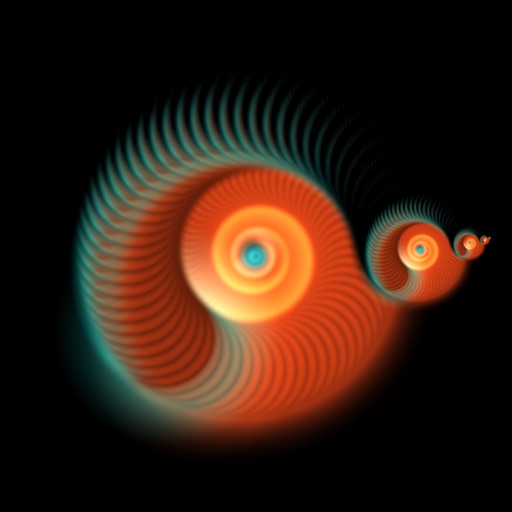
Create and view dynamic fractal patterns that evolve over time. Tap the screen to generate ripples that affect the pattern. Adjust colors and settings to customize the visual experience.
Create art with a wide range of tailored for different styles. Import and organize custom . Adjust brush settings for pressure sensitivity and flow. Save and export artwork in multiple formats. Sync across devices.
Create dynamic sandscapes by painting and dragging to shape particles. Watch flow, stack, and interact with walls and fluids. Customize colors and experiment with different particle behaviors. Share creations directly.
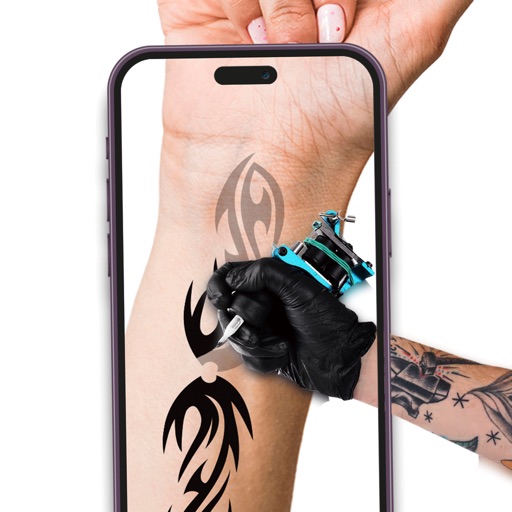
Create designs using AI-powered tools. Visualize tattoos on body parts with realistic previews. Explore design ideas based on descriptions. Save and share concepts with others.
Color with friends in real-time using shared sheets. Create and share artworks collaboratively. Compete creatively in party mode. Save and display personal pages in a profile. Adjust colors and brush settings for customization.
Create still or animated drawings that flow and evolve. Use generative brushes for natural, responsive sketching. Design fluid artwork for backgrounds or sharing. Adjust brush settings for precise control. Export drawings in various formats.