Edit photos with , rotate, flip, and scale tools. Adjust brightness, contrast, and saturation. Add text, stickers, and mixers. Share directly to Instagram and other social media platforms. Export in square format for consistent posting.
Create collages using up to 15 photos with customizable layouts. Adjust size, position, and rotation. Crop with various proportions. Convert photos to square formats with blur, color, or tile backgrounds. Apply filters, rotate, flip, or clip photos.
Convert videos to GIFs by trimming, adjusting playback speed, and configuring loop or reverse playback. Set output size, aspect ratio, and image quality. Export customized GIFs directly.
Expand photos to any aspect ratio without borders or cropping. Adjust images for social media or design projects. Maintain natural quality during resizing. Outpaint and uncrop photos effortlessly.
Create mockups by uploading screen captures and selecting device templates. Add 3D rotation, background, shadow, shift, scale, and canvas adjustments. Choose different models, angles, and backgrounds.
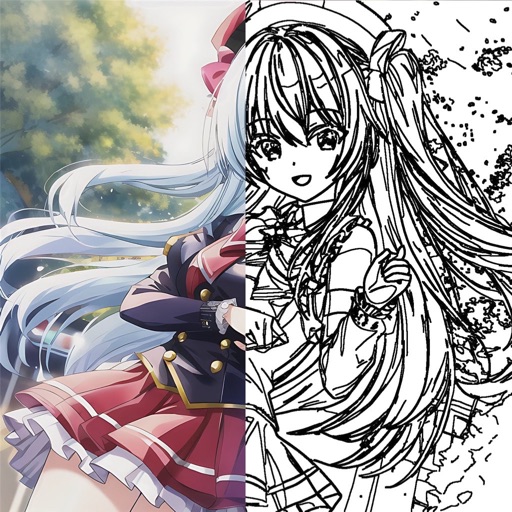
Offers a blank white screen for tracing. Users can add, resize, rotate, and move images using on-screen gestures. effect, screen brightness control, and screen locking are available. Image brightness and contrast can be adjusted.
The app allows users to create collages using photos, videos, and Live Photos. It offers 345 built-in layouts or custom layouts with adjustable tiles and customizable metadata.