Apps Like Standout : SC Editor for iPhone and iPad
Send photos to Snapchat DMs instantly
Send photos from your library to Snapchat DMs directly. Integrate with Snapchat account for seamless sharing. Add edits before sending. Ensure secure and private image transfers. Connect with friends instantly.
by Jash Balar★ 4.529 ratingsPhoto & VideoFreeData updated 2026-09-06
Restore old, blurry, or damaged photos using AI-based enhancement. Adjust clarity, brightness, and color. Remove blemishes and red eye. Resize and export in various formats. Apply filters and effects. Share restored images directly.
Edit photos with AI-powered and body enhancements. Smooth skin, remove blemishes, and adjust body contours. Make precise edits without altering the rest of the image. Export edited photos in various formats.
Edit photos with reshape tools to adjust proportions and add muscle definition. Enhance facial features with retouch options. Apply filters and effects. Save and share edited images directly.
Edit photos with beautiful filters, contrast, saturation, and sharpening tools. Apply authentic analog effects that can be adjusted later. Access over 190 exclusive filters and 100 light leak effects with a premium upgrade.
Add visible or invisible watermarks to photos and videos. Customize with logos, text, metadata, QR codes, borders, vectors, or signatures. Apply single or multiple watermarks at once. Batch process images for efficient watermarking.
Manage and organize photos with local and iCloud integration. Edit images using filters, cropping, and brightness adjustments. Share directly or save to a private library. Import videos and create collages. Add text and stickers to photos.
Create animated pet images with voice outputs. Add props like glasses and stickers to . Record messages for pets to repeat. Share customized pet images with friends.
Edit photos with effect and features. backgrounds and apply black-and-white conversion. Select areas for contrast. Zoom with two-finger pinching. Adjust brush size, opacity, and offset. Export edited images.
Capture or select images from the camera roll. Add , arrows, text, and use the pen tool for annotations. Pixelate sections or include emojis. Add captions and share via Apple Messages, Mail, Twitter, Slack, Snapchat, WhatsApp, Line, and Instagram.
Create videos by digitally hugging loved ones, pets, or yourself using AI. Swap faces in videos and photos with AI face swap technology. Edit TikTok videos to add face swaps and create humorous or personalized content.
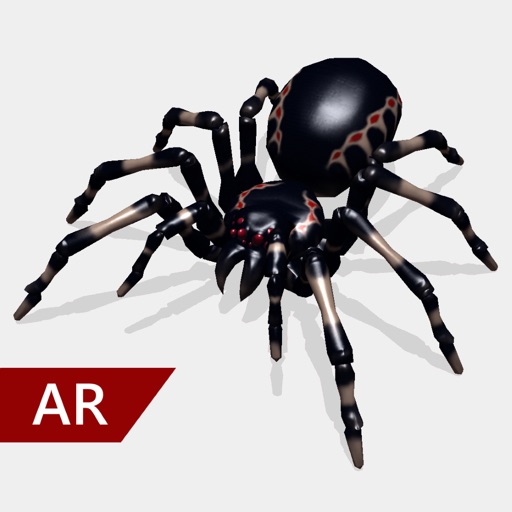
Create and share realistic scary videos featuring interactive . Choose from five spider types and adjust their size. Step on the ground to scare or let them attack. Apply nine full-screen filters to enhance the effect.
Add live effects to photos and videos. Apply favorite effects to create dynamic content. Share directly via text, Facebook, or Instagram. Edit and customize selfies with interactive elements.
Record videos with AR effects including realistic water effects and 3D enhancements using LiDAR technology. Access a library of AR plugins for customization. Share content directly to and Instagram.
The app allows users to add text, captions, and music to videos. Users can select from various fonts, adjust text properties, and place them on the video timeline.