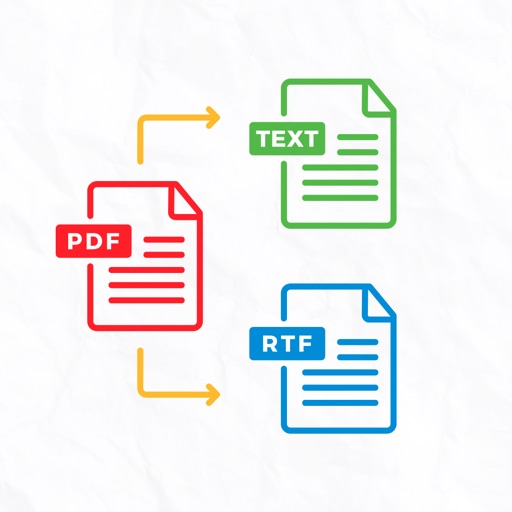
The app offers AI-powered PDF summarization, translation, and insight extraction. It converts scans to editable PDFs, allows annotation, and provides tools for editing text, images, and watermarks.
View and annotate PDFs with highlighting, underlining, text boxes, and freehand tools. text and images, merge files, compress, formats, and apply OCR. Redact, sign, and protect documents.
View, manage, clean, and convert documents, archives, spreadsheets, media files, and PDFs. Organize files offline. Open and edit text within PDFs. Convert files between formats. Securely store and access files without cloud upload.
View, scan, and manage PDF files with a clean interface. Use OCR to extract text from images and convert scanned documents to editable text. Access text-to-speech functionality for audio playback. Securely store files locally without cloud upload.
The app converts BMP, JPG, JPEG, GIF, PCX, PNG, TIF, and TIFF images to PDF. It offers batch conversion, offline processing, and a drag-and-drop interface for creating PDF documents.
The app automates PDF preflighting and conversion with batch processing. It can export PDFs as images, convert colors, optimize images, and split multi-page documents.
Convert documents between JPG, PNG, and PDF formats. Merge or split PDFs and make edits within the . Password-protect files and share them via email or cloud services.
Convert documents into high-quality PDFs or images. Scan receipts, ID cards, notes, contracts, and multi-page documents with edge detection and image enhancement. Export and share files via email, cloud storage, or messaging apps.
Convert photos and documents to PDF by selecting files from various sources. Edit and annotate PDFs before sharing. Export as PDF or formats. Organize and save files in cloud storage.