Create custom photo templates and choose from multiple layouts. Share photos via email, AirDrop, WhatsApp, or iMessage. Print photos using AirPrint. Add hundreds of stickers and filters to enhance images.
by Yoshari Soto★ 4.7127 ratingsPhoto & VideoFreeData updated 2026-09-06
The app generates animated patterns, dynamic collages, and slit-scan photos using camera input. Users can select screen areas to create flowing imagery and interact with one or two fingers.
Record lip-sync and music video selfies with animated stickers, decorative stickers, custom frames, and animated screen overlays. Save videos to the camera roll. Take still selfies and decorate them.
Take photos, adjust guidelines, preview fat appearance
Take a front-facing full- . Adjust guideline markers if needed. Transform the image into a fat version. Save, share on Facebook or Twitter, or email the result.
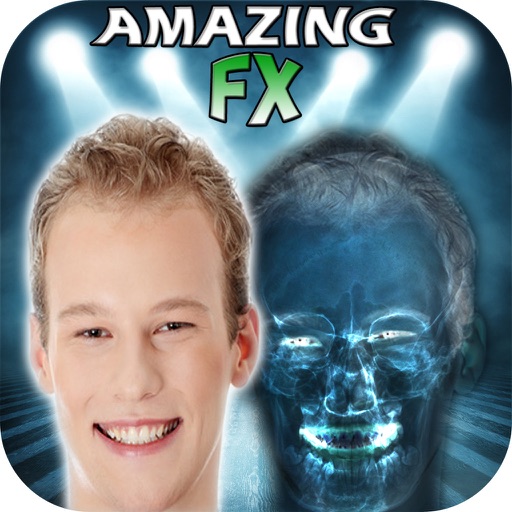
The app allows users to create simulated X-Ray Filter Photographs, Night Vision Filter, Infra-Red, and See-Through Vision Filter FX. Users can apply these effects to new or existing photographs from their library and share them.
Create , ID, and photos with automatic background removal. Adjust size, crop, and enhance images. Save and print photos for global document requirements.
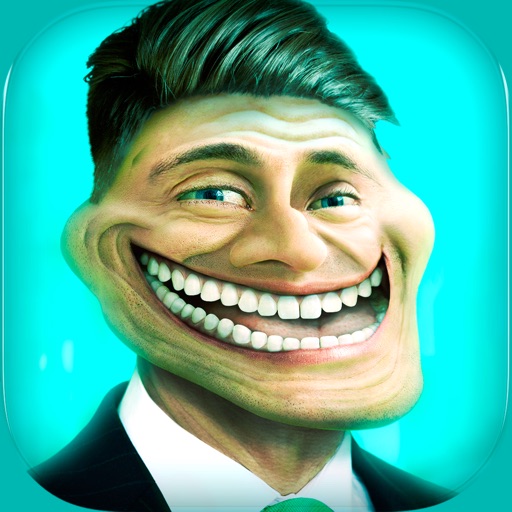
Create and share humorous photos with customizable faces, text, and comic bubbles. Add filters and effects. Edit images with built-in and text tools. Share directly to social media or messaging apps.
Add hats to photos using touch-based adjustments. Choose from various hat styles like King's Crown, Princess Tierra, and Cowboy Hat. Apply hats to people, pets, or celebrities in any image. Share modified photos directly.
Edit photos by adding realistic scars, cuts, and bruises. Adjust transparency and blur for a lifelike appearance. Share modified images with friends and family.
Edit photos and videos with face and voice filters. Apply 75 hilarious face effects and 39 voice sounds. Combine multiple face filters. Record videos and take photos. Share content directly with others. No login required.
Convert videos into vintage style with adjustable date settings and filters. Import custom videos, add text and emojis, and include background music. Use flashlight, zoom, and selfie mode for enhanced recording and editing.
Create collages by combining up to 20 photos with backgrounds, stickers, and drawing tools. Apply filters, borders, and fonts to enhance images. Share collages on Facebook, Instagram, and other platforms.