Learn theory, notes, and fingerings with interactive lessons. Practice rhythms and customize ninja avatars. Track student progress and assign exercises. View alternate fingerings in red. Share results and manage multiple users.
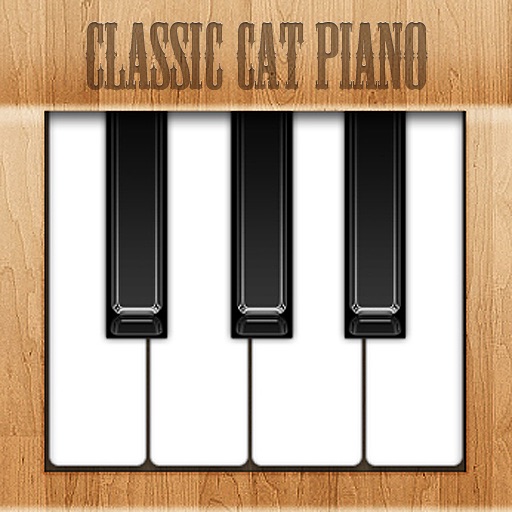
Play with customizable kitten sounds and virtual keys. Create and play melodies using different cat voices. Use as a sound effect tool with adjustable pitch and real music playback.
Play piano and other instruments with realistic physical modeling. Adjust parameters like velocity and aftertouch. Load and save custom sound presets. Connect to MIDI devices for live performance. Export audio files in various formats.
Play rhythm game using uploaded beatmap files. Supports 4 Keys and 5x5 Keys modes. Connect iDevice and PC via same Wi-Fi network. Upload OSZ files through provided URL.
Create and customize rhythms with three drummers offering modern, classic, and contemporary styles. Export multi-track or full mix audio via MIDI. Access over 60 bass lines in iBassist. Adjust delay and reverb effects for sound shaping.
Record and manage audio loops with adjustable length and auto-record features. Control loops via MIDI foot controller or onscreen buttons. Enable count-in and auto-close loops without manual input. Sync with MIDI devices for hands-free performance.
Simulate musical instruments including Qanon, Oud, and strings with real sound. Play quarter flat scales and rhythms. Access chords specific to music. Switch between two common music scales. Adjust tuning and settings for different playing styles.
The app processes and synthesizes live voice for music creation. It offers tools like vocoders, auto pitch, and harmonizing pitch shift for diverse vocal effects and soundscapes.
Learn chords and scales through interactive 3D lessons. View real-time finger placement and arm movements. Practice with built-in metronome and play along with backing tracks. Track progress and adjust lesson difficulty. Share performance recordings.