Apps Like PDF Converter & File Editor for iPhone and iPad
Search, create, convert, edit PDFs
Search and locate PDF files across devices. Create PDFs from web pages or convert DOC, DOCX, PPT, and PPTX files. Edit text, images, and pages within PDFs. Export edited documents in various formats.
by Otmar Hiller★ 4.014 ratingsUtilitiesFreeData updated 2026-09-06
Convert images to PDF files by capturing or importing from the camera roll. Automatically detect and crop rectangular areas with perspective correction. Adjust image rotation and appearance. Share or save the resulting PDF.
The app converts PDF files to HTML for web publishing. It can also merge PDF files and convert PDF to PNG, JPEG, EPS, and PS formats while preserving the original layout.
Convert files like images, text, zip archives, Word, and Excel documents to PDF offline. Edit PDFs with annotations, add watermarks, and merge files. Share converted documents directly or export in multiple formats.
Convert documents to PDF by selecting the file and initiating the conversion process. Supports .doc and .docx formats while maintaining original layout. Features an intuitive interface for straightforward use.
Convert photos and documents to PDF with drag-and-drop support. Edit text, add watermarks, and adjust page layouts. Organize files into folders, rename, and share converted documents via email or cloud services.
With text formatting, image manipulation, and annotation tools. Add digital signatures and fill out forms. Convert files locally without cloud processing. Share edited documents securely.
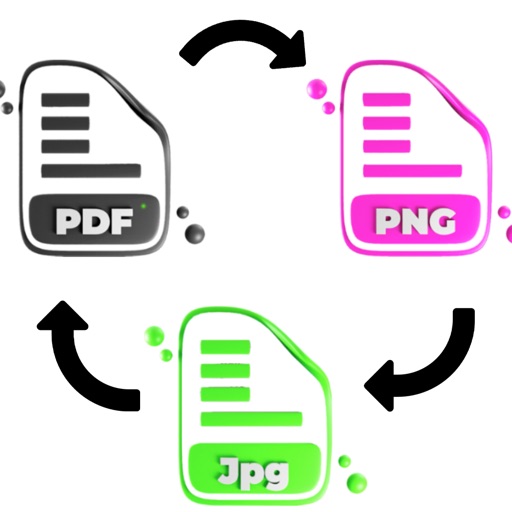
Convert PDF files to JPG, PNG, and GIF images. Convert images to PDF files. Save and share converted files. Send PDF images via social media platforms.
Convert images to PDF by selecting from gallery or scanning with camera. Combine multiple files into one PDF. Save, share, or print converted documents. Manage files offline without internet connection.
Convert documents to PDF with one tap, supporting JPEG, Word, Excel, and PowerPoint files. Scan and auto-crop documents for clear digital copies. Add e-signatures or custom watermarks to pages.
View and organize document files in a folder structure. Search and access documents from a centralized location. Convert and DOC files to PDF for easy sharing and printing.
Convert photos, scans, and text into PDFs using the iPhone . Import existing PDFs from Files. Transfer PDFs to Apple with a single tap. View PDFs offline on Apple . Zoom in to view details on the .
Create, edit, and share documents, spreadsheets, and presentations. Support for Microsoft Word, Google Docs, and PDF formats. Format text and paragraphs with advanced options. Insert tables and customize fonts from a library of over 70 options.
Convert photos and images to PDFs with automatic formatting. Scan physical documents using the camera for clear PDFs. Edit scanned files with cropping and brightness adjustments. Share or save PDFs directly from the .
Convert from PDF, DOCX, EPUB, and web pages into audio. Play, pause, and adjust playback speed. Navigate through content with swipe gestures. Save audio files for offline listening. Support screen reading for accessibility.
Edit PDF documents with text, images, and annotations. Add signatures and dates. Convert files to PDF or other formats. Share documents via email or cloud services. Save and organize files in a single location.
Convert PDF documents to Word, Excel, and PowerPoint formats by dragging and dropping files. Supports docx, doc, xls, ppt, and other formats. Files are processed on a secure cloud server and deleted immediately after conversion.
Convert images to PDF, PDF to images, and extract text from images or scans to create searchable PDFs. Edit and share documents offline. No subscriptions, one-time purchase for unlimited use.