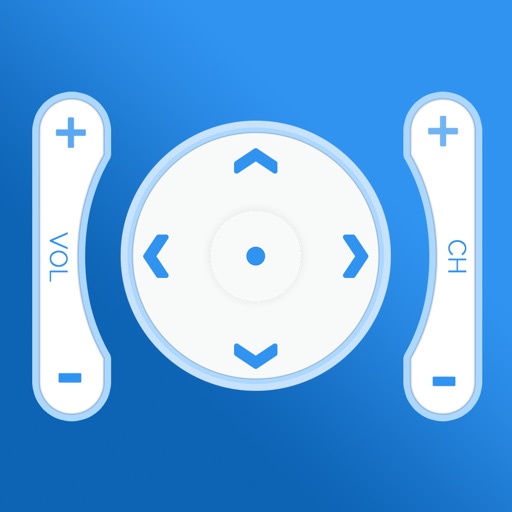
Control your TV remotely from anywhere in the home. Adjust volume, switch channels, and navigate menus with on-screen buttons. Access smart TV apps and customize shortcut keys. Power on/off and change input sources instantly.
Control your TV and streaming devices from your iPhone. Adjust volume, navigate menus, launch apps, and switch channels. Pair quickly for full remote functionality without needing a physical remote.
Control TV power with a single tap. Adjust volume and navigate menus using on-screen buttons. Access channel lists and input sources. Customize button layouts for different devices. Pair with Apple Watch for hands-free operation.
TV or streaming device remotely. Open apps, manage playback, adjust volume, and navigate menus. Connect via Wi-Fi, auto-detect devices, and pair instantly without manual setup.
Control devices via Wi-Fi without cables or complex setup. Access IR and Wi-Fi codes for popular brands like DirecTV and FiosTV. Pair remotes instantly with compatible TVs and set-top boxes.
Control Philips Smart TVs via Wi-Fi or Ethernet network. Navigate menus, change channels, adjust volume, and access apps. Use intuitive on-screen controls to mimic original functions. Automatically detects connected TVs for easy setup.
Control your TV with phone-based functions including power, volume, and channel navigation. Access smart TV features like launching and input switching. Customize button layouts for different devices.
Turn your smartphone into a for your TV. Connect via Wi-Fi, navigate menus, adjust volume, and switch signal sources. Access popular streaming services directly from the .
Control cast-enabled streaming devices with full functionality. Launch apps, adjust volume, navigate menus, and enter text. Automatically detect and connect to devices. Use a large touchpad for precise input.
Connect to TV for remote control. Navigate using arrow keys for TV interaction. Manage TV apps from the remote interface. Adjust volume with responsive controls. Requires same Wi-Fi network for connection.
Your TV remotely by connecting to the same Wi-Fi network. Scan your network to locate the TV. Browse channels, cast photos and videos, and stream music. Access multiple remotes from one device. Search for and cast favorite music.
Home entertainment with full functionality including power, volume, and channel controls. Switch HDMI sources and manage playback. Connect TV and device to the same WiFi network for instant setup. Input text easily for search or navigation.
Compatible TVs via Wi-Fi network connection. Tap, swipe, or speak to operate TV functions. Instantly pair with all compatible TVs. View and adjust settings like volume, input sources, and power.
Your TV remotely via iPhone, iPad, or Apple Watch. Adjust volume, change channels, and toggle power. Access a library of pre-programmed commands. Sync with Apple Watch for one-handed operation.