Create 3D models by drawing, sculpting, and shaping in immersive space. Use brushes, erasers, and shapes for detailed design. Apply materials with customizable textures and colors. Transform objects by rotating, scaling, and moving.
by Veep LLC★ 4.610 ratingsUtilitiesFreeData updated 2026-09-06
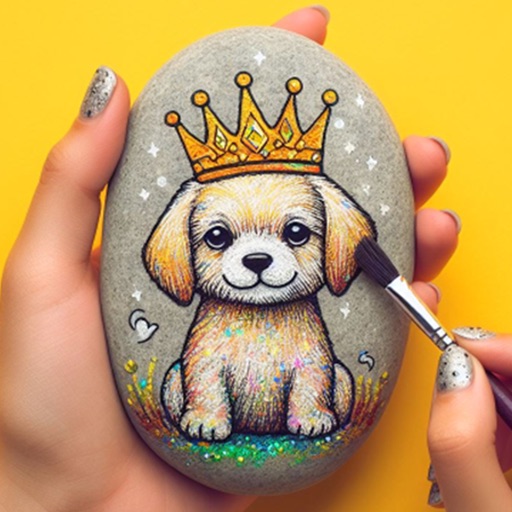
Within 3D rocks featuring realistic textures and vibrant colors. Choose from various themed designs. Apply custom colors and patterns. Save and share completed artwork. Adjust lighting and perspective for detailed viewing.
Plan your Valley life with gift guides for villagers, a calendar for birthdays and events, relationship tracking, community center checklists, crop planning, and upgrade path support. Manage in-game days and stay organized with AI-powered assistance.
Create interactive puzzles, memes, and 3D toys using simple prompts. Share creations via public URLs accessible without the . Post to a community feed and engage with likes and comments.
Create symmetric kaleidoscope patterns, mosaics, and fractals. Customize colors, shapes, and brushes. Use free-form zooming and add stickers. Adjust settings for unique designs. Save and share artwork.
Connectinno Oyun Yazilim Teknolojileri ve Ticaret Anonim Sirketi
Visualize, edit, and design your space
Capture photos of rooms or exteriors to generate instant design concepts. Explore multiple layout and style options. Adjust colors, materials, and furniture placements. Export designs and share with professionals or homeowners.
Create immersive videos with AI-driven special and editing tools. Add transitions, animations, and text overlays. Import footage from iPhone or professional cameras. Export in various formats for social media and other platforms.
Restore faded photos and enhance image quality using AI. Transform static images into animated portraits. Add motion to create dancing or joyful scenes. Edit and share enhanced photos directly.
Backgrounds from photos with precision, save images with transparent backgrounds, or replace them with custom ones. Edit photos by adding filters, drawing, inserting text, and applying stickers to create professional images and social media content.
Create glowing designs by drawing with your . Spin creations to watch them rotate. Customize colors and patterns. Save and share artwork. Explore calming, interactive art experiences.
Create expressive sketches, rich paintings, and detailed illustrations. Use hundreds of handmade brushes and an advanced layer system. Animate with the Valkyrie graphics engine. Edit and export artwork in multiple formats.
Create and customize , memes, and emojis. Choose from thousands of templates. Add text, images, and animations. Share directly to WhatsApp and iMessage. Edit and save custom packs.
Create seamless patterns using 17 symmetry types and 23 templates. Draw with 18 brushes including pencil, liner, and airbrush. Use symmetry guide lines to align designs. Export patterns in multiple formats.
Design tools suggest upcycling projects based on user skill level. AI experts recommend paint and decor pairings. Step-by-step tutorials guide crafting techniques. Users can collaborate with multiple AI characters for creative inspiration.
Download and set high-quality wallpapers for iPhone and Apple Watch with one tap. Browse organized categories like Fantasy, Space, and Nature. Save favorites for quick access. Receive regular updates with new designs. View ads during free downloads.
AI automatically detects and removes , people, and backgrounds from photos. Users can edit photos with skin whitening, acne removal, body reshaping, object erasing, background changes, cropping, text addition, and filters.
The app provides a full set of tools for creating hand-drawn animation. It offers features like a timeline with unlimited layers, onion skinning, and audio import for lip syncing.