Measure distances, heights, and angles using AR measure, ruler, and level tools. Create floor plans and calculate areas. Take screenshots, use flashlight, and chain measurements. Switch between imperial and metric units.
Calculate materials with 10 tools for gravel, soil, mulch, concrete, pavers, retaining walls, grass seed, sod, area, and volume. Input dimensions in inches, feet, yards, centimeters, or meters. Output results in US customary or metric units.
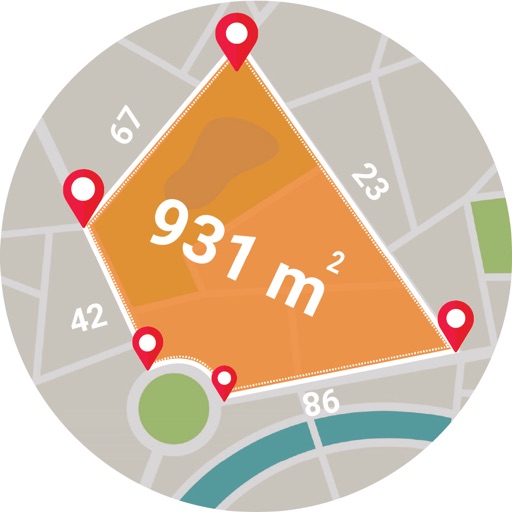
Calculate using coordinates with options for square meters, feet, acres, hectares, kilometers, and miles. Measure distance between points. Premium users can save areas, add notes, attach images, and calculate prices based on values.
Use to measure objects in real time with accurate centimeters, inches, and meters. Tap to measure distances, take unlimited readings, and view real-time AR visuals for precise results.
Rooms using augmented reality with a virtual ruler for precise distance and area calculations. Create 3D floor plans from scans. Save and share measurements. Sync with other devices for collaborative planning.
Scan surroundings using the device camera to create real-time 3D floorplans. Add measuring points to calculate distances, lengths, surfaces, and areas. Export plans with measurements in PDF format.
Distances and angles using augmented reality and on-screen rulers. Tap to mark points and calculate lengths. Export measurements as text or image. Sync with other devices for collaborative projects.
Measure objects with a camera ruler mode that uses your phone's camera for distance calculations. Switch between inches and centimeters. Adjust measurements with precision sliders. Access a classic ruler and tape measure for manual measurements.
Measure levels in decibels using the device’s microphone. Display real-time audio frequency and dB readings. Apply filters for specific frequency and dB ranges. Share measurements via Messages, Email, WhatsApp, Notes, and other apps.
Measure objects by aligning them with the screen. Calculate furniture sizes for space planning. Use AR to scan rooms and get perimeter and square footage.
Use the camera to object sizes, room areas, and shopping items. Capture images and receive precise dimensions with AI accuracy. View detailed measurements and compare sizes instantly.
Measure distances by drawing routes on the map and calculating their length. Use a magnifier tool for precise line drawing. Switch between Move and Measure modes to set starting points or begin measurements immediately.
Calculate areas, plots, and distances using GPS technology. Draw and map regions on a map. Measure perimeter and of custom shapes. Save and share measurement data. Export maps in various formats.
Distances using Augmented Reality. Tap to place markers and calculate lengths. Undo measurements. Choose different colors for markers. Take screenshots. Switch between metric and imperial units.
Estimate volume for rectangular, circular, and stepped slabs, footings, columns, walls, and steps. Calculate block and CMU quantities for walls. Estimate mortar mix materials and rebar amounts. Determine gravel needs for bases.
Manage projects, track progress, and share updates
Manage construction projects with budget tracking, material calculations, and scheduling tools. Input measurements for custom cuts and view progress reports. Sync across devices and export data in multiple formats.
View and convert geographic across multiple formats and datums. Manage locations with an intuitive interface. Display current location at the intersection of two grey lines. Export in various global systems.