Capture frames using front or back cameras with adjustable white balance, focus, and exposure. Paint on frames with customizable brush tools. Export animations in various formats and share directly.
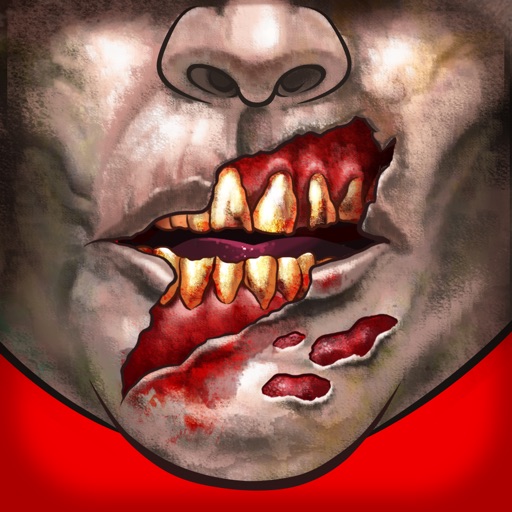
Customize faces with gruesome mouth and eye options. Add weapons like crossbow bolts and crowbars. Include creepy creatures for enhanced effects. Apply animated filters in real-time using augmented reality. Share transformed faces directly.
Arthur Eduardo Skaetta Alvarez Desenvolvimento de Software LTDA.
Convert photos to sketches
Convert photos into various styles like , colored, painting, and comic. Adjust brush thickness for customization. Save high-resolution sketches for sharing or printing.
Create animated short videos from static photos using AI. Add motion effects, layers, filters, and overlays. Include text, stickers, and music from a large library. Save as live photos. No watermarks or ads.
The app allows a user's iPhone or iPad to function as a remote camera for Stop Motion Studio. It provides live preview and full camera control for capturing stop-motion animations.
Create and edit digital artwork with layers, brushes, and custom tools. Adjust colors, brightness, and contrast. Import photos and sketches. Save and export in various formats. Apply filters and effects. Collaborate with others through cloud sharing.
Create detailed artwork with realistic brushes and watercolor effects. Scale canvas up to 64 times with precise grid and pixel-level accuracy. Use over 80 brushes, erasers, smearing tools, rulers, cutters, fill tools, and color pickers.
The app allows users to create green screen videos, photos, and GIFs by replacing backgrounds and layering video elements. It is suitable for students, teachers, and content creators for various projects.
Create animated GIFs with adjustable size up to 480 x 480 pixels and extended duration. Trim, crop, and adjust frames. Add text and stickers. Export GIFs directly or share via social media and messaging apps.
Create vector artwork on iPad with precise drawing tools. Align objects to grids, paths, or points. Scale and rotate multiple objects in real time. Use masks to cut out elements from artwork or photos. Position text at any angle or along paths.