Apps Like ArtLoop: How To Draw Lessons for iPhone and iPad
, create, and share art freely
Characters, objects, and animals through step-by-step tutorials. Choose from various art styles including doodles and detailed illustrations. Compete in multiplayer battles. Save and share creations. Adjust brush settings and color palettes.
by Anhelina Denezhko★ 4.79,468 ratingsGamesFreeData updated 2026-09-06
Guide a fragile car through physics-based puzzles by drawing bridges with a single swipe. Avoid obstacles and ensure the car reaches the goal without breaking. Adjust paths to navigate challenges and complete each level.
Coloring and drawing with 100+ free girl-themed images. Use 9 unique brushes and 50+ pattern brushes to create artwork. Record drawings as animated clips. Save and share creations. Switch between coloring and freehand drawing modes.
Create intricate designs, patterns, and mandalas using intuitive drawing tools. Use a single stroke to generate complex artwork. Access a variety of brushes and color options. Save and share creations directly.
Create art with step-by-step drawing guides. Choose from categories like freestyle, hip-hop, and old-school. View styles in list or grid format. Save and share completed artwork. Adjust colors and brush sizes for customization.
Create frame-by-frame animations using drawing tools. Share animations with a community. Participate in themed contests. Export animations in multiple formats. Sync with flipbook style playback. Collaborate with other creators.
On an with multiple colors and add typed text to illustrations. Erase or delete drawings. Choose background colors for the . Save creations and share via email or Facebook. Additional markers and backgrounds available in the complete version.
Create drawings using 13 like glow neon, crayon, and chalk. Draw on a color canvas or edit photos. Save drawings and animations to the built-in gallery. Record drawing sessions as videos and replay them.
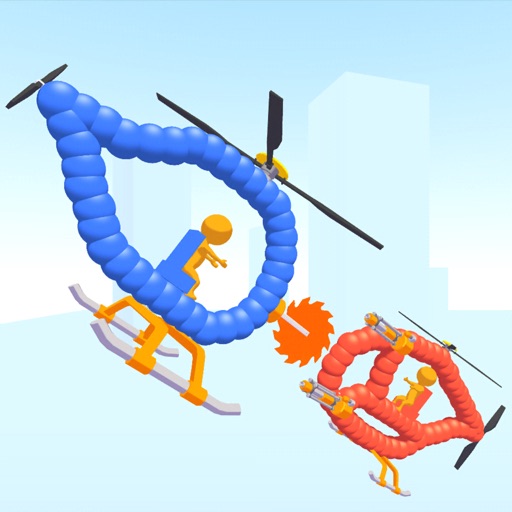
Create custom helicopters with drawing tools, select from guns, machine guns, and lasers. Battle enemies in increasing difficulty levels. Progress through stages to face stronger opponents. Play freely without cost.
AR Camera Projection allows users to images onto paper using their phone's camera. 300+ templates provide a variety of sketching options. Users can adjust line weight and color. Export drawings in multiple formats and share directly.
Create and color doodles with glow and neon themes. Choose from various coloring pages featuring princesses and accessories. Save and share completed artwork. Relax while engaging in creative and calming activities.
Draw figures with a single continuous without retracing any line. Navigate through levels with challenges like directional lines, warp points, and triggers to complete each puzzle. Track progress and solve increasingly complex paths.
Create intricate tessellations and mandalas using 20 symmetry options. Draw with customizable colors and patterns. Adjust symmetry settings to design complex shapes. Save and export artwork in various formats. Share creations directly from the .
Create colorful designs using art effects with 48 unique brushes and 48 shapes across six categories. Use symmetry and inverse drawing modes for creative effects. Apply dynamic textures and -off particles for realistic results.
Create sketches and drawings using built-in brushes and canvases. Trace real-world images with AR technology. Save and share artwork directly. Adjust brush size and opacity for detailed work. Import images to base drawings on.