Edit photos and videos with AI-generated anime styles, including facial enhancements and background effects. Apply filters, adjust colors, and add animated elements. Export edited content in various formats and share directly.
Edit photos with single-tap effects and professional filters. Adjust brightness and contrast. Apply blur and focus tools. Enhance portraits with specialized filters. Export edited images in various formats.
Edit photos with text effects and auto background changes. Add customizable signs and text. Adjust brightness and contrast. Save and share edited images directly.
Create Instagram feeds and stories with customizable templates. Adjust layouts, add text, and apply filters. Export posts and stories directly. Sync with Instagram for seamless sharing.
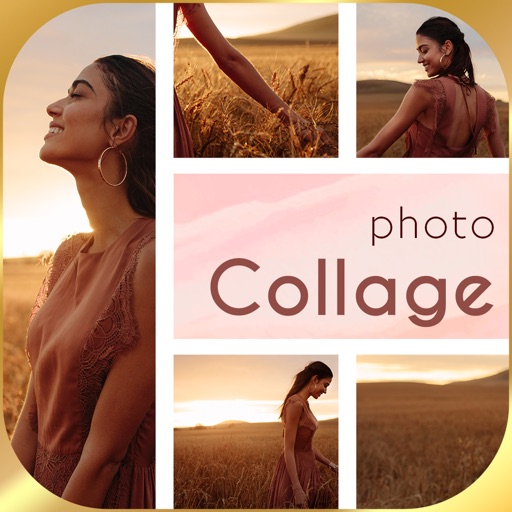
Combine multiple photos into customizable frames or collages with 55 adjustable templates. Add rounded corners, effects, shadows, and patterns. Choose colors using an easy color picker. Save projects and share via Facebook, Email, or Twitter.
The app offers over 200 overlays and 140 filters to enhance photos. Users can add typography and artworks from a selection of over 700 artworks and 150 fonts.
Customize profile pictures for Instagram, LinkedIn, WhatsApp, Facebook, and other social networks. Add images, select color and width, adjust inset, and add custom badges. Export edited images for use across platforms.
Upload a photo and select a style to generate multiple professional headshots. Edit details like background and lighting. Export and share high-quality images for LinkedIn, resumes, and social media.