

Apps Like Rabbit Kingdom for iPhone and iPad
Ranked alternatives
Showing 1–20 of 1,000 ranked alternatives.


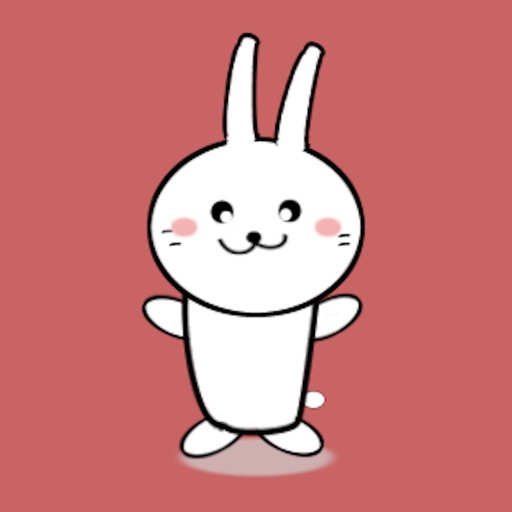
Chubby Cheeked Rabbit Animated
Dave Deep
Send stickers and expressions
Send stickers featuring a - with expressive movements and playful gestures. Add emojis to messages to convey emotions like happiness, laughter, and surprise. Share stickers across iMessage conversations.

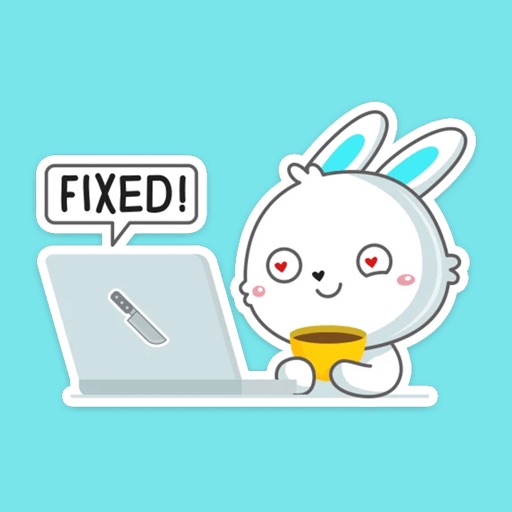
Rabbit photo sticker
kazuya fujinami
Attach stickers to messages
Attach a cute to messages. Choose from various categories. Customize size and position. Share stickers with contacts. Save favorite stickers for quick access.


Punipuni rabbit sticker
kazuya fujinami
Create, share, and use stickers
Create and customize stickers with a variety of characters and themes. Add text, emojis, and animations. Share stickers via social media or messaging apps. Save and organize created stickers in personal folders.


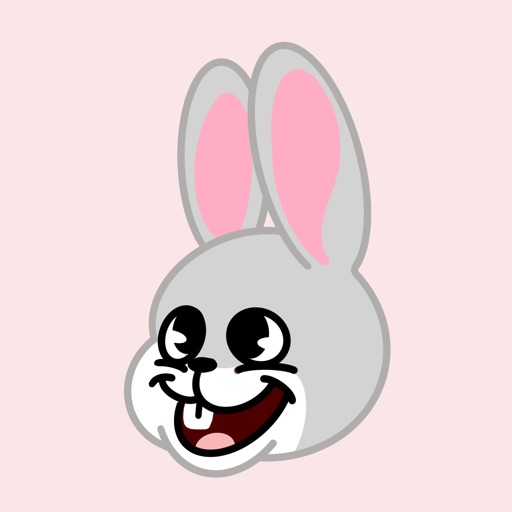


Machiko Rabbit Wiggle Heart
Raj Thumar
Send animated stickers and share joy
Send animated stickers of a happy, wiggling expressing joy, excitement, and love. Choose from various expressions to add to iMessage conversations. Share emotions through playful, animated visuals.
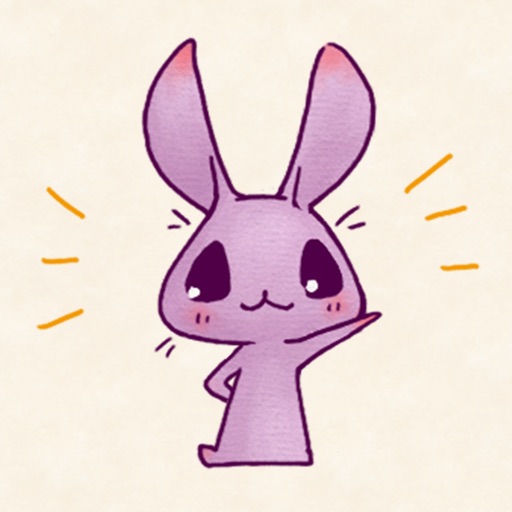
Purple Rabbit !
Sayaka Sugiyama
Create stickers of cute animals in fantasy
Use stickers featuring cute animals from a fantasy world. Customize messages with character expressions and backgrounds. Share stickers across platforms and save favorites for quick access.

Cute Rabbit Girly Stickers
Instant Store
Add bunny to your messages
Create and send messages with bunny-themed . Choose from various poses and expressions. Add to texts, social media posts, and photos. Customize sticker placement and size. Share with friends and groups.

Mochj Cat
Luu Thi Tuyet Minh
Send animated stickers in iMessage
Send animated stickers featuring the . Choose from 168 unique high-quality stickers. Add stickers to iMessage conversations. Purchase to unlock all stickers. Share reactions with friends.

How we rank alternatives
Apps are ranked by functional similarity, category fit, rating confidence, and popularity.