
Handwritten note
Kiyoshi Koike
Draw it down the moment inspiration strikes.
The app provides a drawing and handwriting experience for users. It allows for instant sketching or note-taking with a clean interface and a simple toolbar.
Showing 341–360 of 1,000 ranked alternatives.
Kiyoshi Koike
Draw it down the moment inspiration strikes.
The app provides a drawing and handwriting experience for users. It allows for instant sketching or note-taking with a clean interface and a simple toolbar.




Derek Graham
Create custom laser-cut boxes quickly
Create custom laser-cut boxes by defining size, material, and joint style. Add a lid and customize its fit and appearance. Preview the layout and export as SVG or PDF for further processing.

Maciej Chrzastek
Set canvas size and properties
Create and customize grids with adjustable square or custom block sizes. Set canvas dimensions for accurate layout. Position and resize images within the . Adjust properties and view physical measurements. Submit feature requests directly from the .

Kairoos Solutions S.L.
Edit documents, highlight notes, and manage tasks
Create and edit documents with text formatting, highlighting, and note-taking features. Organize tasks and ideas with structured templates. Annotate and share notes across multiple platforms. Sync files for seamless access on different devices.



Hyeoseong Hwang
Sketch and take notes easily.
The app offers unlimited board size and color choices for pens and backgrounds. Users can import photos, print snapshots, and utilize undo/redo functions.
Tu Phan
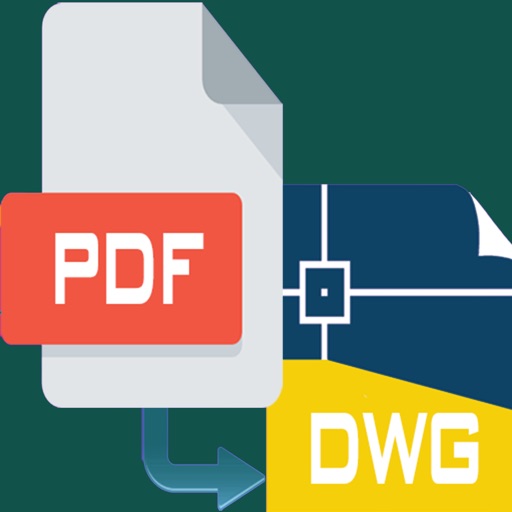
PDF to editable DWG files
PDF files to editable DWG format with high clarity. Edit lines, arcs, and text directly. Supports polylines, splines, and images. Export as DWG for use in . Remove or adjust elements as in native drawings.


Scott Stahurski
Handwritten documents for mobile devices.
The app allows users to create, edit, and share handwritten documents. Users can select from various paper backgrounds and pen colors and thicknesses to customize their notes.


MobiSystems, Inc.
Scan documents, organize files, save time
Scan documents, photos, and notes with high-quality image capture. Edit scans with cropping, rotation, and brightness adjustments. Save files in PDF, JPG, or PNG formats. Share scans via email, messaging, or cloud storage.
Apps are ranked by functional similarity, category fit, rating confidence, and popularity.