
Apps Like Notestudio: note taking, pdf for iPhone and iPad
Ranked alternatives
Showing 241–260 of 1,000 ranked alternatives.



Penstar eNote
Penstar Innovation Inc.
Write notes, sync, and organize digitally
Create and organize handwritten notes with diverse template options including plans, meeting minutes, and Cornell notes. Sync notes across devices. Convert notes to digital format. Share notes via email or cloud services.


MetaMoJi Note Business Lite
MetaMoJi Corporation
Productivity app for business use.
The app allows users to import PDF documents, take notes, sketch, and brainstorm. Users can annotate PDFs, handwrite or type notes, draw diagrams, and capture images or web pages.

Ink PDF Editor
Hefei T-Stack Information Technology Co., Ltd.
Edit PDFs, annotate, and view pages
Open and view PDF documents with full-text scroll, zoom, and single or double page mode. Annotate with professional tools and customize styles and colors. Play embedded audio from PDF files.

PDF Editor +
Silver Elm Systems LLC
Edit PDFs, scan documents, sign files
Edit PDF files by filling forms, highlighting text in multiple colors, and annotating sections. Save and share modified documents. Scan physical documents into PDFs using the built-in camera scanner.


Silhouette AI
Vitalij Schaefer
Create silhouettes from side-view photos
Create silhouettes from side-view photos using AI to detect contours. Adjust the with an eraser and pen tools. Choose between classic black-on-white or unlock color options via in- purchase.


Tactilis
SATYAKAM KHADILKAR
Sketching across multiple pages quickly.
The app offers a versatile inking tool for drawing, with over 100 color schemes that preserve the drawing's value scale. It facilitates rapid sketching across multiple pages with minimalist design and fluid navigation.
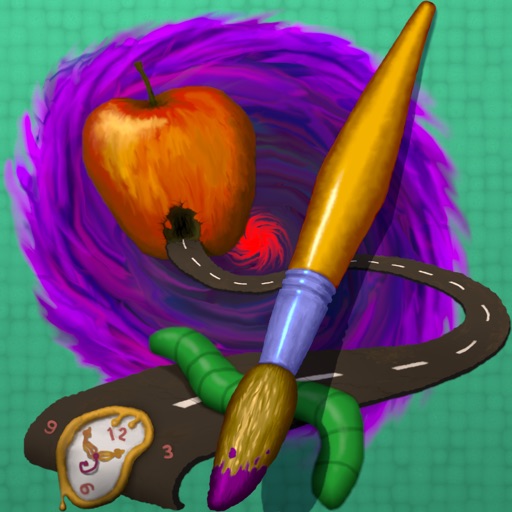
Art of Weird
Norbyte
Explore artistic creativity with unique tools.
The app provides tools for realistic oil painting and unique effects like Worm Pen. It features live-calculated brushes and strokes that interact with a generated canvas texture.


Electronic Signature
Kazuya Fujita
Sign with your hand, save as image,
Create a by handwriting with customizable color and pen thickness. Choose from different pen and eraser tools. Undo or redo actions. Save the as an image or copy it to the clipboard. Scale display is available.

How we rank alternatives
Apps are ranked by functional similarity, category fit, rating confidence, and popularity.