
Photo GUN
Max Schlee
Edit thousands of photos quickly.
The app offers batch photo editing for thousands of images. It allows users to resize, enhance, add watermarks, crop, rotate, and convert images.

Convert images to multiple formats at once
Convert images to multiple formats including JPG, PNG, HEIC, WebP, TIFF, PDF, AVIF, and GIF. Select files from your library and preview converted images before saving or sharing. Batch process images for efficient format conversion.
Showing 441–460 of 1,000 ranked alternatives.
Max Schlee
Edit thousands of photos quickly.
The app offers batch photo editing for thousands of images. It allows users to resize, enhance, add watermarks, crop, rotate, and convert images.




志威 彭
Create GIFs and edit images professionally
Convert videos, live photos, or images to GIFs. Create memes using templates. Edit GIFs with size, resolution, and playback speed adjustments. Remove smart backgrounds for stickers.


Meltem Arslan
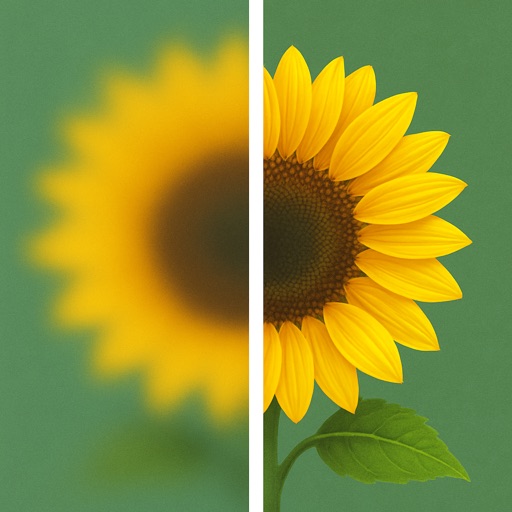
Restore blurry photos with AI
Uses AI to enhance blurry photos. Users can restore out-of-focus images with machine learning algorithms. One-tap processing allows quick restoration. Adjust brightness, contrast, and sharpness manually. Export enhanced photos in various formats.

Ibrahim Hanna Zananiri
Convert video files for devices
The app converts video files for iPhone, iPod, or iPad. It supports most input formats and converts to optimized MP4 files.

Nobuatsu Sekine
Resize images and convert formats
Resize images in bulk with batch processing capabilities. Convert file formats simultaneously. Adjust dimensions and aspect ratios. Save settings as presets. Drag and drop files for quick access.

Alexander Sasse
Convert and resize many pictures easily.
The app converts and resizes many pictures to different formats. It supports common input formats like JPG, GIF, and PNG, and offers multiple output formats including JPG, GIF, and PNG.




Apps are ranked by functional similarity, category fit, rating confidence, and popularity.