Create a photo list from your library or camera, sorted by date. Tap a photo to open a map and navigate to its location. Swipe left to remove photos. Add new photos by tapping the '+' button.
by Annie Wang Publications★ 5.02 ratingsNavigationFreeData updated 2026-09-06
Save food photos daily and view them monthly. Organize images by day and month. Add captions or notes to each photo. Share photos directly from the . Track dietary habits through visual records. Export photos in multiple formats.
Determine RGB, HSV, and Hex values for any color. Tap on a photo to extract color values. Adjust red, green, and blue sliders to customize colors. Edit values directly and view calculated results. Use grayscale meter to find neutral color mixes.
Find and delete photos, similar images, and large videos. Remove lookalike selfies and screenshots with one tap. Clear junk files to speed up performance and optimize storage automatically.
Decorate home screen with interactive widgets. Display photos in sorted order or create collages. Add multiple photos at once and rearrange them. Supports transparent and iOS 18 lock screen widgets. Choose from various sizes and refresh intervals.
Remove unwanted backgrounds or objects from photos. Edit images to make backgrounds transparent. Add custom backgrounds for improved visuals. Erase specific areas for enhanced photo quality. Save and share edited images directly.
Edit photos with sky glow filter and relight features. Change background elements and remove or replace skies. Adjust sky tones and add effects. Export edited images in various formats.
Remove unwanted , people, text, or distractions from photos. Use AI to automatically elements with a tap. Edit images by selecting areas to delete and refine the result. Save and share the cleaned-up photo directly.
Create collages by combining multiple photos. Add romantic and text. Share collages via social media or messaging. Customize layouts and edit images within the .
Edit photos to enhance clarity and detail. Remove blur and adjust colors. Generate AI art from text prompts. Create videos with AI-powered editing tools. Export and share final projects in various formats.
Apply to photos. Select from gallery or take new photos. Choose to enhance images. Generate framed photos for sharing. Use as decorative or to express love.
Edit photos, remove backgrounds, generate new ones
Remove photo backgrounds using AI-powered tools. Edit or replace backgrounds with new ones. Export as high-quality PNG images. Share edited photos directly.
The app extracts colors from photos or camera snapshots to create palettes. It displays colors in HEX, RGB, HSL, and HSB, and allows users to copy codes or export palettes in various file formats for design projects.
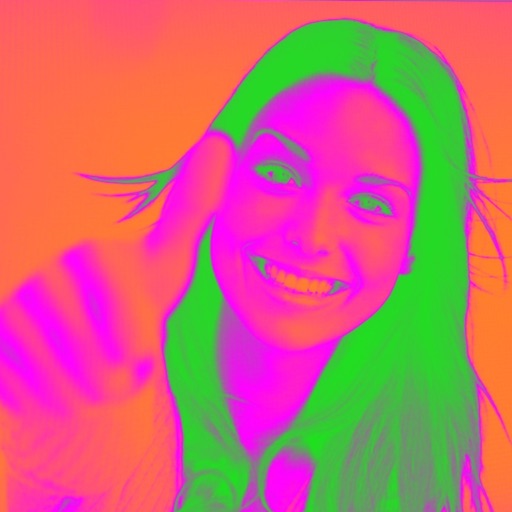
Turn your camera into a creative tool with . Apply fluorescent color filters to photos. Choose from 30 color combinations. Tap to switch views and capture images with unique color effects. Share edited photos directly.
Use the live camera or select a photo to apply mirrors and filters. Choose from horizontal, vertical, tri-h, tri-v, diagonal, quad, and other mirror types. Apply filters like B&W, Lomo, Colorz, Warm, Cold, Sepia, Nostalgia, Vibrant, Toy, and Sketch.
Edit photos by removing backgrounds and replacing them with custom colors. Erase unwanted objects with a single touch. Adjust and enhance images for sharing on social media.
Create artistic images with single-tap camera effects and professionally designed filters. Adjust brightness, contrast, and tone curve. Blur and focus images. Rotate, crop, and resize photos. Add text and fun stickers.