Create personal time-lapse videos by capturing and adjusting photos. Set reminders, change order and timings, and preview FaceSlides anytime. Choose from seven camera overlays or import multiple photos. Watch videos on Apple Watch.
The app allows users to upload photos from their library to an online collection. Users can order prints of their photos in full resolution with options for finish and borders.
Create a photo list from your library or camera, sorted by date. Tap a photo to open a map and navigate to its location. Swipe left to remove photos. Add new photos by tapping the '+' button.
Add captions, customized dates, and logos as watermarks to videos. Include GPS geotags and adjust font color, size, and positioning. Export modified videos with overlays.
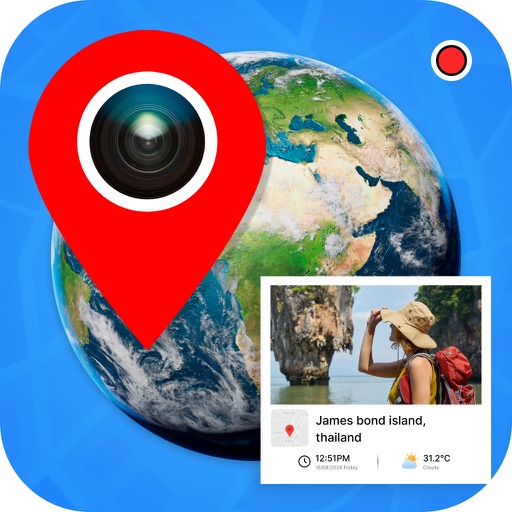
View photographs with map locations and GPS data. Explore camera settings and AR features. Access an online gallery with new photo notifications. Purchase prints in-. Share images directly.
Create and share streams of photos and videos organized by themes like food, travel, or fashion. Users can add content to streams, invite to contribute, and follow others' streams to view their curated content.
Resize images to fit various formats like Instagram posts, stories, Facebook covers, or custom ratios. Adjust aspect ratios manually or select preset options. Apply Fit or Fill modes to scale images without cropping or stretching.
The app reads Exif and GPS information from photos, including exposure details and location on a map. It also displays color model, DPI, orientation, and camera details, with the option to copy information to the clipboard.