Record video using front and back cameras simultaneously on iPhone XS and newer models. Capture footage with selfie and frontal view. Share videos publicly. Switch between front and back modes. Use flash light for both cameras.
Corrects color distortion caused by actinic LED lighting in aquariums. Adjusts colors in real-time during photo capture. Allows manual fine-tuning of color balance and brightness. Saves and shares corrected images directly.
Edit videos with AI-powered enhancements like upscaling, noise reduction, motion blur, and frame rate adjustment. Create slideshows from photos, add music, and generate memes. Boost quality and export in various formats.
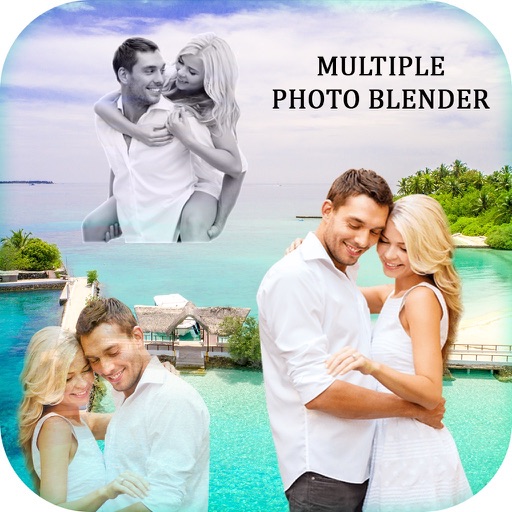
Edit photos by blending multiple images together using advanced editing tools. Adjust brightness, contrast, and color. Access a library of preloaded images to mix with personal photos. Export and share edited results.
Create 3D effects by moving the phone to capture multiple angles of a subject. Apply filters and effects to enhance the image. Add customizable background blur to simulate professional camera quality. Export videos without watermarks.
Create GIFs by swapping faces in videos with lip-synced audio and background music. Choose from a large GIF library or upload your own. Add animated stickers and customize with voice, music, and text.
Read scripts smoothly with a effect. Record high-quality videos while scrolling text. Convert photos into editable scripts using image recognition. Trim and refine recordings within the . Share finished videos directly.
Capture photos and videos without visible interface elements. Take high-quality images or record videos with a single tap. Select from premium background options for discreet documentation or security use.
The app allows users to create colorful animations with an easy-to-use interface. Users can record sounds and voices to enhance their creations, which can then be exported and shared.
Record videos with adjustable resolution, frame rate, and bitrate. Select from multiple aspect ratios. Pause and resume recording. Use time-lapse mode. Export videos in various formats.