The app visualizes sound from the phone's microphone using various shapes and effects. It offers 18 presets, custom photo loading, adjustable sensitivity, and dark/light UI themes.
Adjust audio frequencies with a 10-band covering 60Hz to 16kHz. Apply real-time adjustments for bass, mids, and treble. Visualize audio with dynamic graphics. Import and play local files or stream audio directly.
The app generates unique, beautiful, and hypnotic visuals from any music source using the microphone. It supports all native resolutions, including Retina displays, and offers TV Out support.
Clean iPhone speakers by generating a sine wave . Adjust frequency with swipe gestures. Control intensity for effective moisture removal. Perform cleaning sessions to restore speaker clarity.
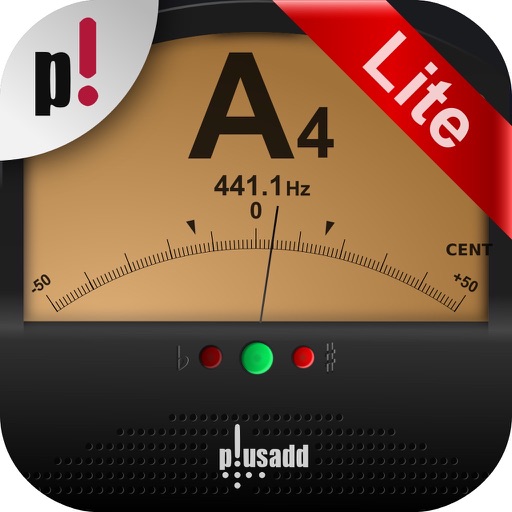
The app offers chromatic instrument tuning and pitch pipe functionality. It tunes acoustic or electric guitar, bass, bowed strings, woodwinds, brass, piano, tympani, and other instruments using the device's microphone.
ToneBoosters displays real-time , spectrum, and goniometer visuals. It processes microphone input for audio analysis. Supports AUv3 plugin format for integration with compatible host apps.
AudioTools offers SPL measurement, RTA analysis, FFT visualization, and speaker polarity testing. Includes a generator, scope, CLF viewer, and recorder. Allows adding optional modules for advanced acoustic analysis and customization.
Generate pure tones, frequencies, and waveforms for and headphone testing. Customize frequency ranges and noise types. Perform audio quality tests and analyze sound output. Save and share test results.
Stream music from a vast catalog. Search and browse by artist, genre, or playlist. Create and organize custom playlists. Sync playback across devices. Access lyrics and artist information. Share via social media. Adjust equalizer settings.
Adjust audio with four parametric stereo equalizer bands. Set gain, frequency, and Q for peak filters. Use low-shelf and high-shelf filters with adjustable gain and frequency. Enable or disable each band individually.
The app provides real-time spectrum, spectrogram, oscilloscope, and octave RTA analysis. It offers visual representations of ultrasounds with adjustable settings and allows for transposed listening and slowed-down playback of inaudible sounds.
Visualize sound with real-time graphics that respond to music, speech, and ambient noise. Customize color themes and select from multiple styles. Use the microphone to capture and display surrounding sound waves.
Provides precise tuning for various instruments including guitar, violin, piano, and flute. It detects pitch and displays frequency. Users can adjust tuning settings and save custom presets.
Adjust audio pitch in real time for monophonic signals between 50Hz and 2000Hz. Apply auto pitch correction to male and female voices. Modify correction intensity and speed. Add robotic tuning effects with low latency.
The app displays an audio spectrum waterfall for signals like QRSS CW and FSKCW. Users can adjust frequency ranges, audio levels, FFT size, and window types.