Configure vehicle settings via device. Select vehicle models from a list. Wirelessly pair with the device to complete setup. Syncs with vehicle systems for accurate configuration.
by ARB Corporation Limited★ 5.01 ratingsUtilitiesFreeData updated 2026-09-06
Monitor and troubleshoot Franklin Electric products with real-time logs and remote support. View setup details and device status. Access virtual collaboration tools for onsite and remote assistance.
Install and verify PassTime devices within the PassTime OASIS system. Scan serial numbers and vehicle VINs for entry. Automatically look up vehicle details by VIN. Confirm installation and optional setup of default names for lot management.
The app allows BYOD deployment into AV installations with Xilica Solaro Series devices. It enables UI control of Solaro and third-party devices through Xilica's Designer software with drag-and-drop configuration.
Access technical manuals, FAQs, and operation videos for the Control System. View system status, troubleshoot issues, and retrieve service information. Share documentation and communicate with support directly through the .
The app enables remote configuration of YB Tracking devices via iPhone or iPad. Users can adjust tracking frequency and GPS settings for compatible YB3 and YB3i products.
Vehicle installation companion for fleet tracking.
The app scans and associates vehicle data points with the GPS serial number. It performs install validation tests and securely transmits data to the ikon Technologies platform.
View live CAN Bus data from vehicles via OBD-2 connection. Display predefined visualizations for common electric vehicle signals. Analyze sensor data and monitor vehicle systems in real time. Requires additional wiring and installation.
Manage work orders with real-time updates and status tracking. Claim and complete tasks directly from a device. Sync with a cloud-based platform for asset management and resource optimization. View assignments and update progress on the go.
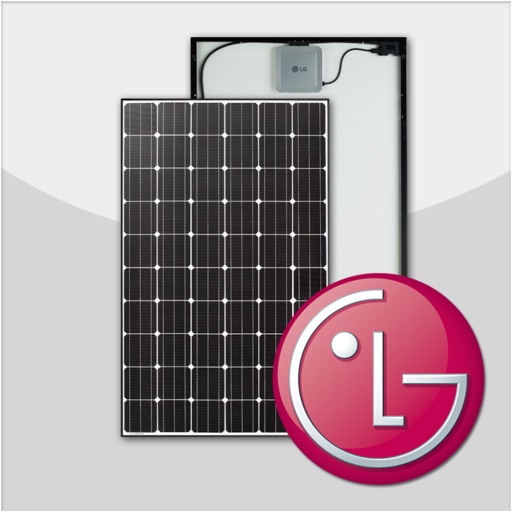
The app supports installation and control of LG MonoX@ ACe by connecting with the LG EnerBox gateway. It allows for MAC address administration, system status monitoring, grid configuration, system configuration, and firmware updates.
Unlock real-time video calls with one-tap connectivity. Setup via QR code for instant pairing. Access headset controls and settings directly from the . Manage notifications and adjust audio settings on the fly.
Manage and live-tune ECU settings like air-fuel ratios, ignition timing, and idle speed via Bluetooth. Monitor engine and sensor data in real-time. Use the Setup Wizard to select base calibrations for Pro-Flo 4 EFI systems.
Configure Bullhorn remote monitoring units wirelessly.
The app configures Bluetooth enabled Bullhorn remote monitoring units. It allows users to check measurements and view device information while wirelessly connected.
Set up guest Wi-Fi networks and manage parental controls. Assign devices to household members. Configure basic network policies. Monitor connected devices and adjust settings remotely.