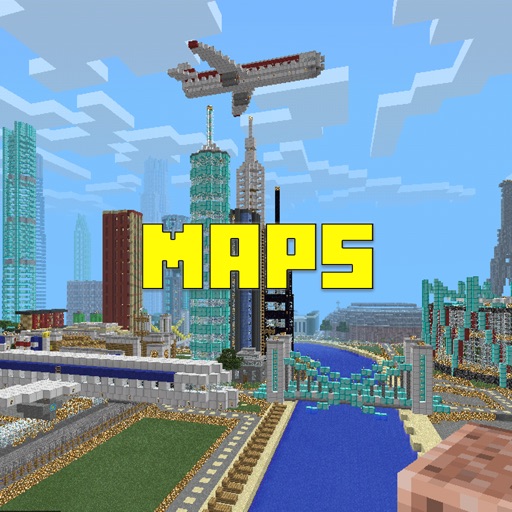
Track and organize custom points of interest in . Mark farms, villages, and mining spots. View interactive world maps with accurate biomes. Locate structures like strongholds and end portals. Save and retrieve coordinates for easy navigation.
Explore , addons, shaders, textures, skins, and maps to customize PE. Install and manage content directly within the . Access a variety of community-created enhancements to modify gameplay and appearance. Share creations with other players.
View and download high-quality HD featuring and Minecraft themes. Customize home screen backgrounds with 4K resolution options. Create personalized by selecting backgrounds and skins. Share with others.
Create unique shirts, pants, and accessories. Use advanced 2D and 3D editing tools. Preview outfits on customizable avatars. Design skins and digital fashion for avatar-based platforms and games.
Add Cobblemons to PE by catching and taming them. Store creatures in special balls. Explore the game world with new characters and custom textures. Play in a fun, interactive mode.
Choose from a variety of for girls and boys. Browse through different styles and select preferred looks. Capture screenshots of chosen . Explore a map-based selection system to find suitable outfits.
Create custom for PE by customizing the home page with wallpapers, colors, buttons, sounds, and fonts. Choose from hundreds of options to design a unique theme. Access weekly updates and premium content through an optional annual subscription.
Explore a survival world in Pocket Edition. Collect items, build structures, and progress through islands. Access updated Skyblock maps regularly. Choose from hundreds of high-quality worlds. Play multiple Skyblock game modes.
Customize Home and Locked Screen with HD Retina images. Edit professionally. Share creations with community, save favorites, and follow friends. Receive daily wallpaper updates.
Apply to PE characters. Choose from thousands of HD including monsters, cartoon characters, and youtubers. Customize player appearance for multiplayer servers. Import and use directly within the game.
Edit Minecraft skins with advanced tools including smart colors, simple body selection, copy and paste, color dropper, editing grid, eraser, and multiple brush sizes. Apply changes instantly in Java . Edit offline and undo actions quickly.
Create custom by selecting or designing heads, bodies, legs, accessories, and colors. Add weapons, pets, and emotions to . Test in a playground and export for use in the game.