Apps Like Offline Profile Picture Maker for iPhone and iPad
Create professional images for social media
Create professional images for social media, professional sites, and messaging apps. Upload or capture photos, apply filters, adjust lighting and background, and crop images. Save and share edited profiles directly.
by Hopebest Inc Limited★ 0.00 ratingsUtilitiesFreeData updated 2026-09-06
And paint with a variety of tools including pens, lines, arrows, rectangles, ellipses, and text. Apply effects, adjust colors, and use filters. Crop, enhance, and add stickers to artwork.
Together vertically or horizontally. Combine chats, web pages, or side-by-side images into one image. Redact private information before sharing. Save and share the combined image directly.
The app allows users to crop photos into a square shape for posting on Instagram. It supports both landscape and portrait orientations and offers various background options and effects.
Edit videos by trimming, resizing, and adjusting resolution. Apply smart presets for Instagram, TikTok, and Twitter. Choose compression levels and preview results. Export optimized videos for various platforms.
Customize text with 3000+ symbols, Unicode characters, and color emojis. Choose from 170+ fonts and kawaii themes. Search symbols by keywords. Add stickers and kaomoji to messages and social media profiles.
Visualize 2D images as 3D models by scanning targets. Share rendered models via messaging or social media. Capture and export 3D content for instant sharing.
Crop and rotate images using preset or custom aspect ratios. Resize photos with precise dimensions or custom inputs. Process multiple images in batches. Adjust quality for optimal sharing or printing. Export edited files in various formats.
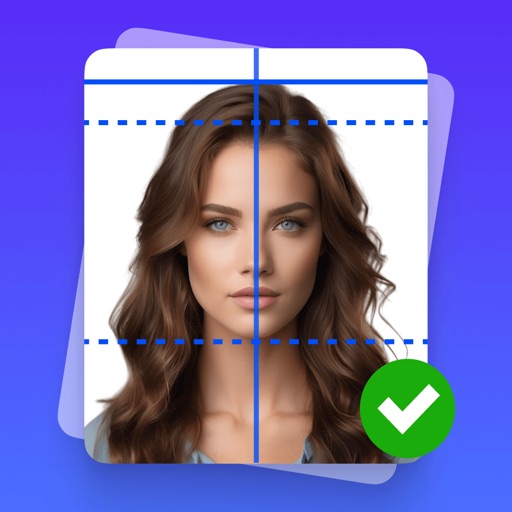
Create professional-quality ID photos for passports, visas, and other official documents. Select from various templates and guidelines. Adjust background, crop, and resize images. Save and share photos in multiple formats.
Edit photos with AI-powered removal and precise cutouts. Adjust colors, brightness, and contrast. Crop and resize images. Save and share edited photos directly. Export in various formats.
Track prices with real-time market data. View industry news and blockchain community updates. Access exchange ratings to evaluate platform reliability and avoid scams. Monitor trends and stay informed about developments.
Allows users to declutter photo galleries by swiping left to delete duplicates and blurry images or right to keep them. It also enables contact management by removing duplicates and outdated entries.
Edit photos with cropping, rotation, and flipping tools. Adjust composition and apply AI-powered enhancements. Retouch images with advanced editing features. Export in multiple formats and share directly.
Scan QR codes and barcodes to access product details and food information. Scan and rename documents. Create custom QR codes with color customization. Generate standard QR for contacts, locations, notes, and messages.
Images by adjusting dimensions and quality. Edit photos with a clean interface. Share resized images to Facebook, Twitter, and Instagram. Optimized for latest iPhones. Remove ads by tapping the "" option.
Create social media posts using customizable templates and drag-and-drop tools. Add text, images, and graphics. Edit colors, fonts, and layouts. Export posts for Instagram, Facebook, Twitter, and other platforms. Share directly from the .
Create collages by combining multiple photos into layouts. Choose from 50+ grid styles and tree or 3D modes. Edit photos with cropping, filters, and text addition. Share finished collages directly.