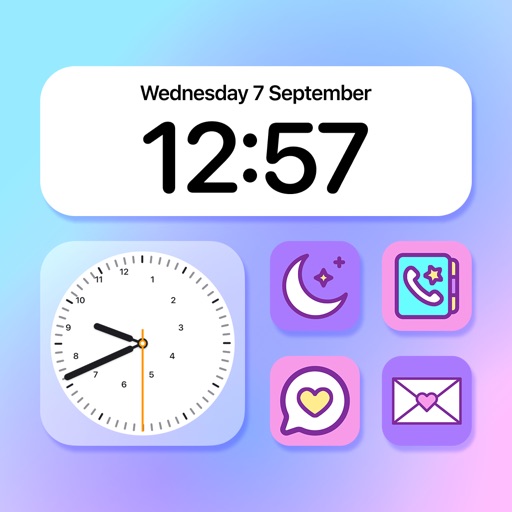
Transform your device background with minimalist and solid color . Set high-quality color backgrounds and customize lock screen clock faces to match your wallpaper style. Adjust colors and patterns for a calming visual experience.
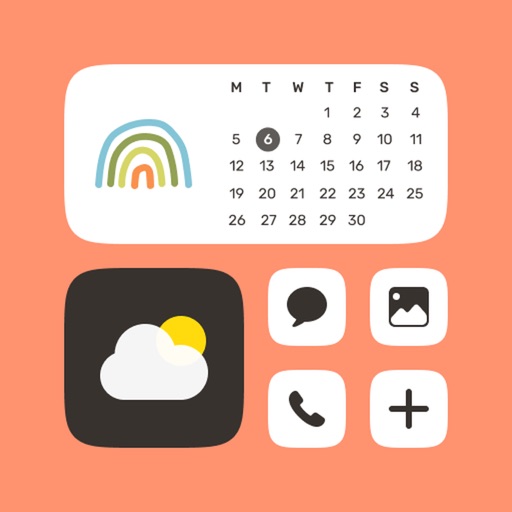
Customize home screen icons and widgets with . Choose from templates or design your own. Add colors, photos, and styles to personalize apps. Share creations with others.
Allows users to add frequently used apps to customizable widgets. It offers custom wallpapers to integrate with the device's interface. Users can launch apps directly from the home screen.
Create unique wallpapers to the iPhone and achieve a clean, streamlined look. Design custom images with intuitive controls and apply them directly. Adjust settings to fit your device's display.
Simplify digital life with a minimal widget. Access essential apps quickly. Customize widget layout. Reduce screen clutter and visual noise. Organize apps into 5 widgets for efficient navigation.
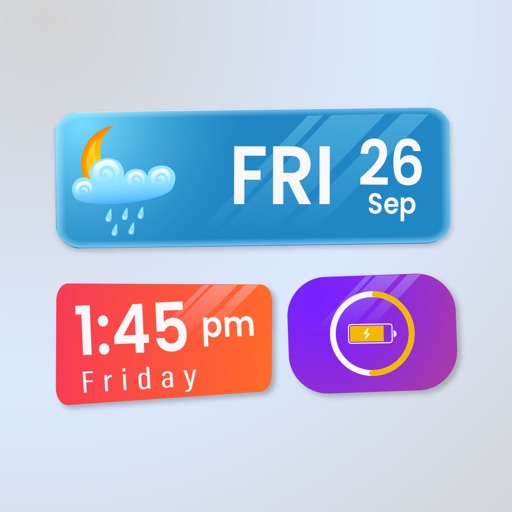
Widget King allows users to add dynamic to their home screen. Choose from sporty, racing car, cliff, bridge view, and aesthetic . come in three sizes. Users can customize and arrange on their iOS 14 home screen.
Create and customize tattoos using AI-generated designs. Choose from various styles and adjust details like placement and size. Preview and refine designs before finalizing. Export tattoos for artists or personal use.
Create custom lists with text input and save them. Add widgets to home screen in various sizes. Support for dark mode. Widgets can be resized and placed on home screen.