Perform calculations with a live voice input feature. Use an ergonomic key layout with an extra large "+" key and backspace function. Copy and send results via email. Support Retina displays on all iPads and iPhones. Enable Dark Mode.
A a log of all calculations. Displays input equations and results clearly. Includes backspace function. Allows adjustable keyboard size and number font size. Supports customization of decimal places, font size for , and display format.
Displays current speed in both miles per hour and kilometers per hour. Automatically switches speed units based on the country's standard. Shows real-time speed data from the device's sensors.
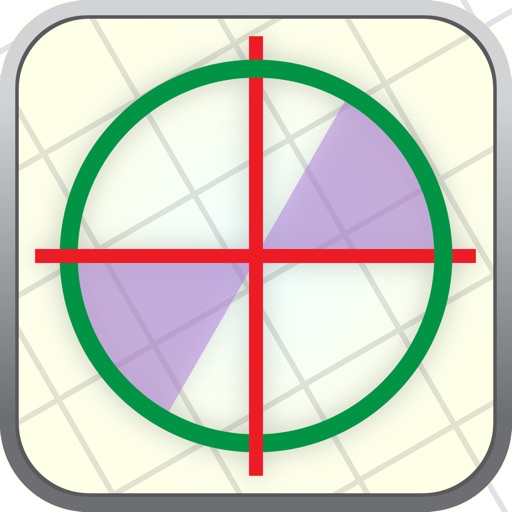
The app provides an interactive unit circle to explore relations between angles and trigonometric ratios. It includes an exact trigonometric ratios table and a handbook of trigonometric formulas.
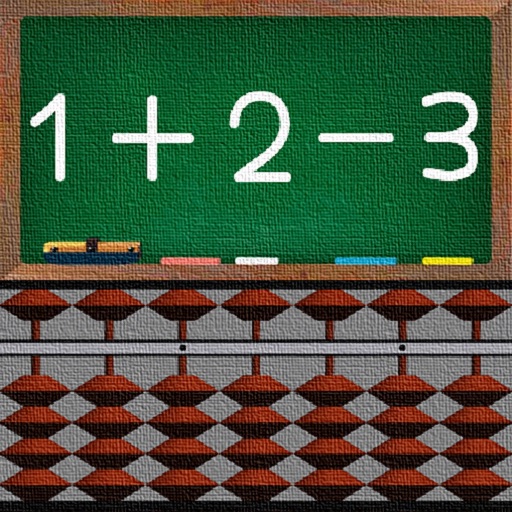
Learn addition and subtraction using a Soroban . Move beads to perform calculations. Practice basic math operations. Track progress with interactive exercises. Sync with devices for continued learning.
The app offers basic and scientific calculations with smart expression parsing and history recall. It features a high-precision display, dark mode, and a modern user interface for an enhanced calculation experience.
Allows users to take photos of math problems and receive step-by-step solutions. It can plot graphs of equations. Users can chat with an AI tutor for homework and assignment .
Edit numbers, track calculations, organize spreadsheets
Allows users to perform calculations with an editable for error correction. Input numbers and operators, edit entries, and view results. Save and share calculation history. Switch between and spreadsheet modes for different tasks.
The app displays the time with large, clear red digits that are easy to read in the dark. Users can control brightness with a swipe and choose between 12h or 24h format.
Solve mathematical equations and visualize results in 2D and 3D. Plot cartesian, polar, spherical, and parametric functions. Animate equations and vector fields. Find intersections of functions. Support for complex functions.
A custom dialer allows users to input phone numbers manually. Features include shaking to change themes, accessing contacts for calls, and using volume up for function. No additional features are specified.
The app offers a big key layout with customizable function keys. Calculation history is available, and results can be copied to the clipboard for use in other applications.
GRE test prep simulates the official Quantitative section . Perform arithmetic operations, use fraction functions, and access square roots. Practice with exam-like interface and restrictions. Solve equations and check calculations for accuracy.
The app presents 90 cryptarithms with translations into six languages. Solving these puzzles requires summing numbers and logical reasoning to find original digits.
Numerical² allows users to perform calculations without an equals button. It automatically adds brackets and saves equations to a synced history list. It includes scientific functions and a Today Widget for quick access.
Track speed with a graphical dashboard and analog/numeric display. View current location, weather, and temperature in Celsius or Fahrenheit. Switch between kilometer and mile units. Customize dashboard colors and use an analog compass.