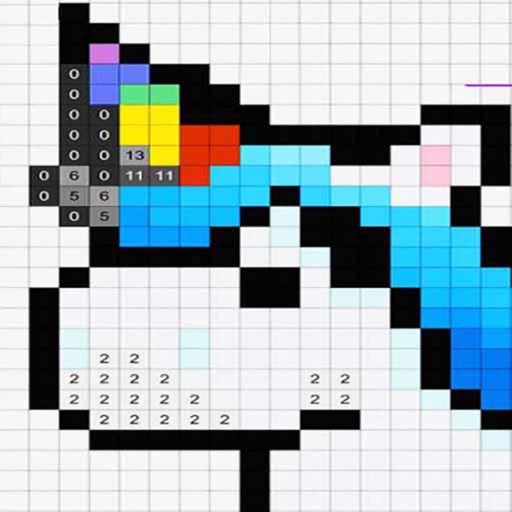
Images using a smart palette and blending mode. Choose from mandalas, florals, animals, and patterns. Create custom designs or by number. Export finished artwork to PDF. Quick access to numbers via tap and hold.
Coloring allows users to select from animal, Bible, and fun artwork images. can pictures with guides. Premium subscribers unlock unlimited hints and access all images. Free users receive one image daily.
Edit photos adjustable temperature, tint, and exposure settings. Use texture blending tools and apply effects. Add stickers opacity and shadow control, and include text 3D effects and multiple fonts. Crop, rotate, and straighten images.
View and organize DICOM medical images from X-ray, CT, MRI, and ultrasound scans. Store and share images for health record-keeping. Use Link to transfer files between devices. Navigate through images with zoom, pan, and rotation tools.
Customize phone wallpaper with VIBE character images. Select and set images as wallpaper with one-click save. High-quality pictures available without hidden conditions. Does not consume much storage space.
Edit photos by adding , stickers, and text. Create collages and cards with customizable designs. Upload images from the gallery or take new photos. Choose from pre-designed and stickers. Add notes and messages to photos.
Take photos of objects to estimate their weight using AI analysis. View approximate weight values instantly. Use for food portions, packages, jewelry, and other items. Share results directly from the .
By allows users to select and images based on numbered sections. Features include choosing from floral, mandala, and animal designs, following numbered guides to fill in colors, and completing artwork.
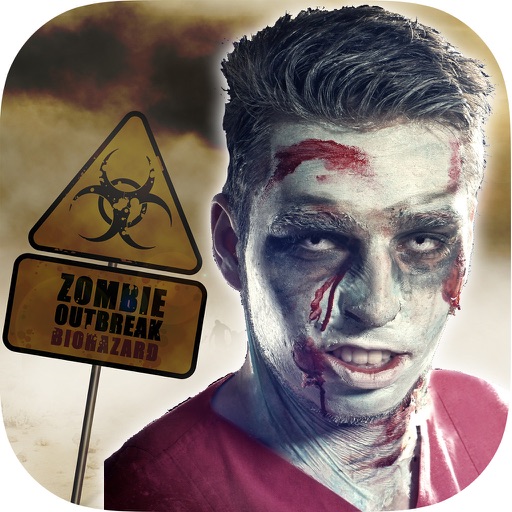
The app transforms user faces into various scary Vampire, Demon, and Zombie designs. Users can adjust effects on-the-fly and use finger gestures to rotate and resize them.
View and download high-quality images for lock screen or home . Set images as wallpapers with a single tap. All images are available offline and optimized for portrait orientation.
Color pages with tap, swipe, and brush adjustments. Choose from kawaii-style illustrations featuring bears, bunnies, flowers, and scenes. Use soft pastel color palettes for a gentle, dreamy experience.
Convert photos into limited-color posters with a effect. Apply filters to adjust colors and brightness. Share images on social media platforms like Facebook and Twitter. Save or email the edited photos directly.