Edit photos and videos with advanced tools including exposure, ISO, and white balance adjustments. Adjust focus, color grading, and apply filters. Export in various formats and share directly.
Capture still images and long exposure photos with manual focus and exposure control. Adjust white balance, shutter speed, and aperture. Save and share high-resolution images directly.
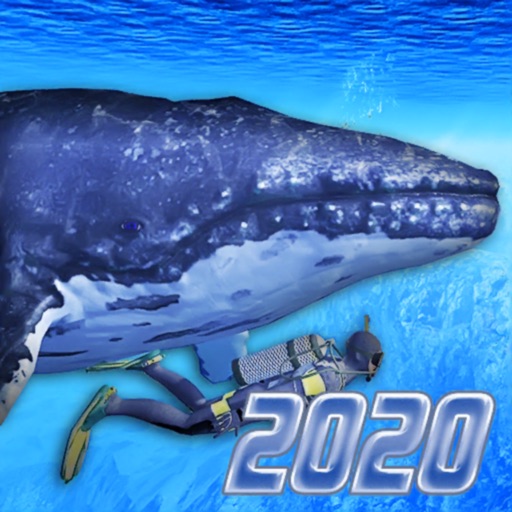
Explore underwater environments with first-person and third-person views. Dive at three locations including a real shipwreck. Interact with marine life such as whales and hammerhead sharks. Adjust controls for intuitive navigation.
Edit videos with six audio/video or graphic tracks, supporting 4K ProRes and HDR. Add multiple audio layers. Create complex edits with smooth timeline handling. Export in various formats. Share finished projects directly.
Offers manual camera controls for iPhone and iPad. Users can adjust exposure, focus, and white balance. Capture photos in ProRAW and ProRes formats. Record videos with advanced settings. Access DSLR-like features for precise image adjustment.
Create videos using AI avatars based on text, voice, or existing videos. Generate lifelike animations 24/7. Use creation shortcuts and a agent for faster editing. Export and share videos directly.
RAY INFORMATICS YAZILIM TEKNOLOJI MEDYA DANISMANLIK VE EGITIM TICARET LIMITED SIRKETI
Edit portraits with AI precision
Edit portraits with AI-powered depth control and background blur. Adjust aperture, bokeh, and focal length for realistic DSLR effects. Capture cinematic shots with intuitive controls. Sync with Apple Health for fitness tracking.
Record videos with color presets for a cinematic look. Use AutoMotion for smooth, film-like transitions. Adjust manual settings including focus peaking, color waveform, and audio meters. Export videos in various formats.
Create cinematic videos with frame rate, shutter angle, and white balance adjustments. Record in professional formats. Import and edit footage on iPhone or iPad. Sync with Design cameras for advanced control. Export high-quality video files.
Record driving moments with auto-loop and collision
Record video in low, medium, high, 480, or 720 resolutions. Capture continuous footage with auto-loop technology. Use manual or auto recording modes. Trigger collision detection to save impact footage. Store videos on phone storage.
Record and edit video with manual controls, audio levels, and timeline editing. Livestream directly to platforms. Manage storage and transfer footage via Wi-Fi to a private database for sharing and collaboration.
Take high-quality photos with manual controls similar to a DSLR . Use bulb exposure for long exposures and motion blur. Apply neutral density filters to control light intake.
Record video and photos with full manual controls for exposure, focus, and white balance. Adjust creative looks and apply filters. Switch between stills and video modes. Export files in high-quality formats and share directly.
Capture photos and videos with iPhone or iPad using . Adjust focus and exposure with a slider. Control LED flashlight brightness manually. Automatically selects optimal lens for shots. Record videos in 4K at 60 fps or 1080p slow motion.