

Apps Like AI background eraser for iPhone and iPad
Ranked alternatives
Showing 201–220 of 1,000 ranked alternatives.


AI Photo Editor: BG Remover
Hoang Hang
Edit photos, remove objects, create art
Remove backgrounds from images using AI-powered tools. Edit photos with filters, cropping, and adjustment options. Add text, stickers, and effects. Export in multiple formats and share directly.


Stitcher Pixel Art
Harry Shamansky
Draw, erase, and export art
Create art and cross-stitch patterns with palette selection and gridline toggle. Use eraser, drag or tap to draw, and long press to fill. Trace images and export as files. Supports cross-platform creation.

Erase Objects: Blemish Remover
Ilya Razuvaev
Unwanted areas from photos
Remove objects, people, and backgrounds from photos using AI-powered tools. Edit imions and export images. Perform basic retouching and access three free removals daily.



Photo Background Editor - Erase, Cut Out & Replace
Vendi Mobile Technologies Private Limited
Edit photos with backgrounds and text.
The app allows users to select foreground images from various sources and erase backgrounds. Users can then add background images, text with over 100 font styles, and over 1000 stickers to create edited photos.


Instant Remove Background AI
Bich Luong Thi
With AI precision
Photo backgrounds using AI-powered object recognition and automatic cutting. Edit images to create transparent backgrounds. Erase objects or elements with realistic results. Save and share edited images directly.

Social Editor - Text on Photos
Daniel Zanchi
Edit with stickers and filters
Edit with filters, stickers, and emojis. Create photomontages with built-in effects. Apply artistic tools for detailed edits. Add with customizable fonts and colors. Export and share edited images directly.
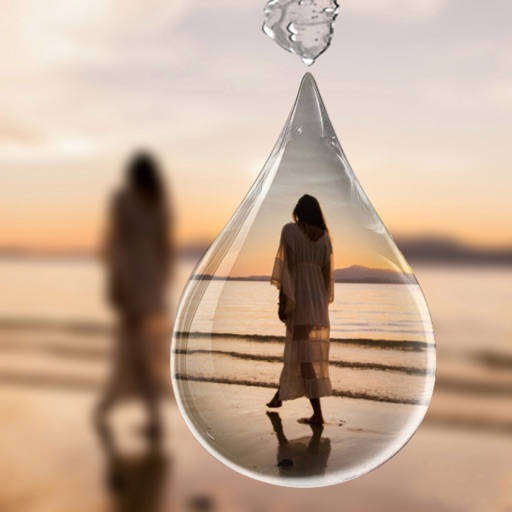
Picture in Picture (PIP) Frame
Iftikher Sultan
Create PIP images with frames
Select photos from gallery or photo library. Choose from numerous PIP frames. Use single image for both foreground and background or different images for each. Edit foreground and background separately. Apply photo filters.

How we rank alternatives
Apps are ranked by functional similarity, category fit, rating confidence, and popularity.