Control personal monitor mixes on a single Aux channel. Adjust volume, balance, and EQ settings. Share control with multiple iPads via Wi-Fi. Customise settings for each musician. Sync with GLD systems running V1.6 firmware.
by Allen & Heath Ltd★ 2.65 ratingsMusicFreeData updated 2026-09-08
Create drum patterns with improvisation features and 2D control for jam and intensity. Use 8 assignable pads for live sessions and MIDI controls. Sync with Ableton Link. Export multi-track or full mix via audio-MIDI export.
Control audio mixing functions on PRO-series or XL8 consoles via iPad. Adjust levels, EQ, and effects in real time. Monitor system meters and track multiple inputs. Enable collaboration between FOH and monitor engineers using separate devices.
Route audio or MIDI between compatible using virtual cables. Apply effects to synthesizers or sequencers. Control multiple with a single interface for live performances and production.
The app allows up to ten musicians to control monitor mixes from a StudioLive mixer using an iPhone or iPod touch. Users can adjust individual channel send levels or control relative levels of multiple channels simultaneously.
Create rhythmic patterns with triplets, dotted notes, and custom time signatures. Set subdivisions per beat. Save setups in setlists. Use Coach and Automator modes for timing practice. Adjust tempo and display options. Export patterns for later use.
Create and edit music tracks using a wide range of drum and percussion sounds. Adjust rhythms and beats with an improved jamming algorithm. Export finished projects in multiple formats and share directly.
Match eggs and candies to complete levels. Unlock free items and challenge friends via Game Center. Track progress through over 300 levels. Share achievements and compete with others.
The app provides pocketable control over Mackie DL Series digital live sound mixers. It allows users to control monitor mixes and offers wireless control from anywhere in the venue.
Control audio mixers remotely with real-time EQ adjustments and monitor setup. Adjust levels, select inputs, and manage outputs from multiple iPads. Connect via dock cable, USB wireless adapter, or wireless LAN.
Practice jazz standards with live studio recordings featuring intros and endings. Play along by muting your instrument. Includes backing tracks for piano, guitar, saxophone, trumpet, bass, drums, and vocals.
Create complex sounds using , FM, Additive, and Subtractive synthesis. Combine up to four layers for evolving soundscapes. Import custom samples or capture live audio for granulation. Adjust parameters to shape unique textures and ambient drones.
Monitor sound levels with a crystal clear SPL meter. Analyze audio in real time using a spectrograph. Access professional tools like Real Time Analyzer for accurate measurements and adjustments.
Control mix parameters remotely using an intuitive graphical interface. Adjust monitor mixes from stage positions. Access console functions via iPad for real-time adjustments without verbal communication.
Create and mix by dragging and dropping different sounds onto characters. Choose between or . Trigger reactions based on sound combinations. Customize tracks with various audio elements. Share created with others.
Audio devices with volume adjustment and source switching. Create and edit speaker sound profiles. Set auto-standby time and customize volume steps. Limit maximum volume. Manage speaker onboarding and settings remotely.
Record and mix audio tracks with editing. Apply effects like reverb and compression. Export in various formats. Support for multiple sample rates and audio formats. Adjust volume and pan for each track. Save and share mixed audio files.
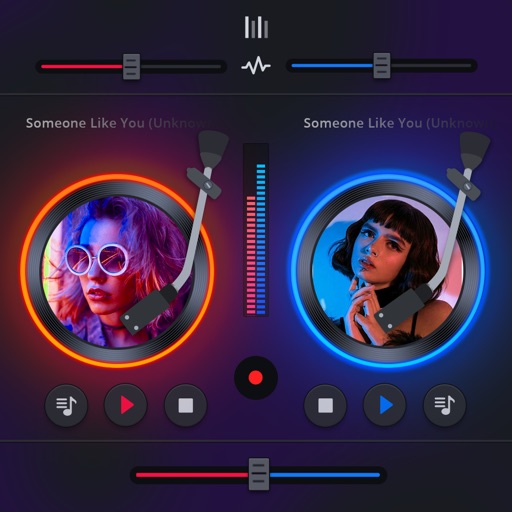
Manage playback with a 3D DJ interface featuring turntables and a 3-band EQ . Access a library to organize files and create custom mixes. Adjust volume and effects in real time during playback. Sync with external devices for live mixing.