Chengdu Everimaging Science and Technology Co., Ltd
Edit photos with AI voice commands
Edit photos using AI-powered tools that apply multiple adjustments based on voice or text commands. Crop, rotate, and enhance images with one-tap edits. Add text, stickers, and filters. Export in various formats and share directly.
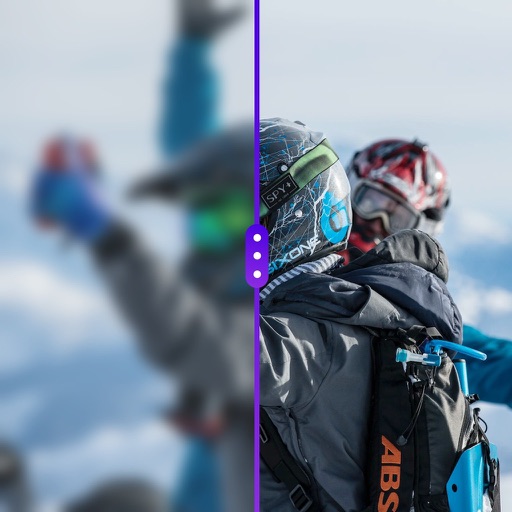
Enhance low-quality photos with AI-powered upscaling. Adjust clarity, brightness, and color. Remove blur and noise. Export enhanced images in high resolution. Share results directly or save to gallery.
Enhance quality with AI-powered upscaling. Convert 480p to 1080p or 4K. Reduce noise and grain. Adjust brightness, contrast, and saturation. Smooth motion in fast scenes. Restore old videos for better clarity.
Edit photos by removing objects, erasing backgrounds, enhancing quality, expanding canvas, or replacing elements. Generate new images with AI filters. Perform basic edits and apply creative AI effects. Save and share edited photos directly.
Enhance blurry images to produce high-resolution faces. Unblur old photos for clearer results. Analyze historical images to reveal detailed facial features. Output sharpened versions of low-quality images.
The app offers AI-powered photo and video editing tools. Users can enhance images, remove distractions, and adjust lighting with one-tap features and presets.
Enhance colors and brightness. Convert blurred images to HD. Repair damaged or scratched photos. Restore black and white images with intelligent coloring. Share edited photos on social networks. Adjust image quality and clarity.
AI photo editor allows users to remove objects, people, and text from images. Change backgrounds and retouch photos with AI tools. Edit faces and create avatars. Export edited images in various formats.
Enhance blurry, pixelated, or damaged images using AI. Adjust clarity, color, and brightness. Apply filters and effects. Restore old photos and damaged images. Export enhanced photos in various formats.
Edit photos with sharpening, unblurring, and resolution enhancement. Convert low-res images to HD 4K. Improve color and details in old photos. Remove blemishes and brighten dark areas. Save and share edited photos in various formats.
RAY INFORMATICS YAZILIM TEKNOLOJI MEDYA DANISMANLIK VE EGITIM TICARET LIMITED SIRKETI
Enhance, restore, and upscale photos
Edit photos with unblurring, enhancement, and upscaling tools. Restore damaged or faded images. Adjust clarity and sharpness. Save and share edited photos directly.
Edit photos with background removal tools, AI-generated backgrounds, and color changes. Remove and replace backgrounds instantly. Add text, stickers, and filters. Export edited images in various formats.
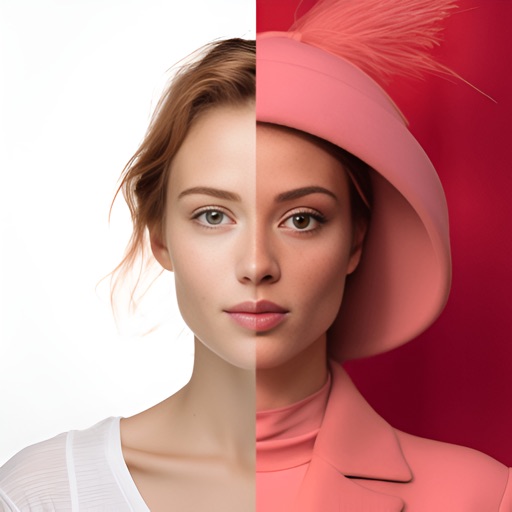
Edit photos, enhance images, generate AI portraits,
Edit photos with AI to erase, swap, and change backgrounds. Enhance images using AI-generated effects and filters. Create realistic AI portraits and designs with templates, fonts, and backgrounds. Export and share edited photos in multiple formats.
Enhance photos with AI-based clarity and detail. Remove blur and improve lighting. Edit vintage photos for modern clarity. Share enhanced images directly. Apply filters and adjust colors. Export in high-definition formats.
Upscale photos by 2×, 4×, or 8× using AI. Repair low-resolution images, retouch faces, and apply advanced enhancements. Supports macOS Tahoe 26 and works efficiently on M1/M2/M3/M4 chips. Export enhanced images directly.
AI Photo improves blurry, old, or low-quality images using AI to remove blur and enhance details. Image restoration tools repair damaged photos. Facial analysis evaluates beauty with accuracy. Users can adjust brightness, contrast, and color.