
Chain Havoc: Swing & Smash
KAYAC Inc.
, draw, , explode
Draw lines to chains and dolls, foes, and objects. Control character movements with touch gestures. Unlock new characters and levels. Track progress and compete in leaderboards.
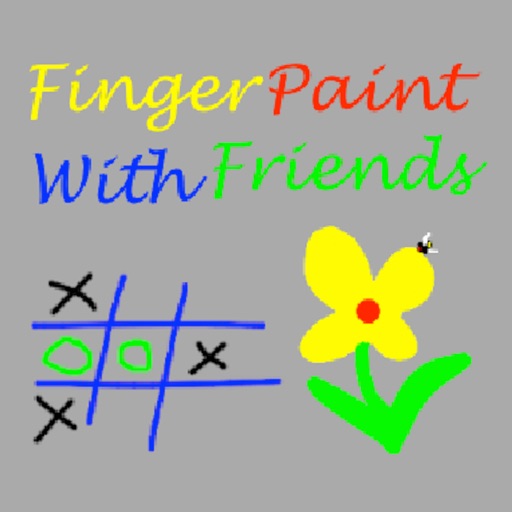
Draw together on a shared screen.
The app allows users to draw with their finger on an iPhone, iPad, or iPod Touch. Users can select from 6 colors and 5 line sizes, and connect two devices to share a drawing screen with a friend.
Showing 261–280 of 1,000 ranked alternatives.
KAYAC Inc.
, draw, , explode
Draw lines to chains and dolls, foes, and objects. Control character movements with touch gestures. Unlock new characters and levels. Track progress and compete in leaderboards.
Stas Gurevich
Color pictures, draw freely, replay videos
Color pictures with a variety of tools and colors. Draw on blank pages with easy zoom. Replay videos of drawing sessions. Access a collection of funny and realistic images for and sketching.


Ryan Parkinson-Faulkner
Collect, mix, and customize slimes
Create and customize slimes by mixing clear and thick varieties. Collect and level up slimes to unlock new types. Convert photos into characters. Add ASMR sounds for relaxing audio. Share creations with friends. Apply animal decoration patterns.
VNSTART SMART SOFTWARE COMPANY LIMITED
And complete challenges
Along hidden lines to complete challenges. Rate drawings with 1 to 3 stars. Unlock cute animals and funny objects based on performance. Retry drawings if they are not good enough.


Bita Sobhani
Convert photos to books
Convert photos to black and white drawings for . Import photos from device or camera. Add colors using painting tools. Create drawings on blank canvas. Premium version offers more paint colors, opacity control, and outline editing. Removes ads.
Theodore Mitchell
Draw 3D with your finger
Create 3D drawings using finger gestures without glasses. Design custom 3D brushes. Choose from 8 background patterns or generate them from photos. Adjust brush settings based on pressure for 3D Touch devices.
林颖 张
Draw paths to connect the pinballs
Play a game where two pinballs need guidance to reach . Draw paths on the screen to connect them. Interact by touching the screen to create lines for the pinballs to follow. Share ideas or suggestions in the comment section.

Wai Chin Ng
Draw, color, and create with guided lessons
Allows children to create art using finger slides and clicks. It includes stick figures, , and coloring features. Users can explore art materials, cartoons, and comics.

Stefano Frassi
Coloring pages for young children.
The app provides coloring pages featuring butterflies for children. Users can select colors, use an eraser, and change brush size to color drawings.

Norbyte
Create art with expressive painting tools.
The app offers live-calculated brushes and strokes that interact with a generated canvas texture. Users can adjust parameters like color and size while painting, and stroke size changes based on fingertip contact with the screen.
Stas Gurevich
Color pictures, draw freely, replay videos
And drawing with printable pictures and blank pages for custom artwork. Features include zoom functionality, video replay, and realistic tools. Users can create and share their own drawings.

Bouzou Studio LLC
In AR and create digitally
Create art using augmented reality features. Draw on real-world surfaces with AR overlays. Receive real-time feedback and guidance while sketching. Explore interactive tutorials and artistic tools to enhance drawing skills.


Shin-ichi Nishimura
Draw with speed-sensitive brush
Draw with a brush that adjusts width based on finger movement speed. Create Japanese calligraphy or watercolor paintings. Select or capture background images. Save or export drawings to other apps.
Apps are ranked by functional similarity, category fit, rating confidence, and popularity.