The app displays sound file information like tempo, key, and sampling frequency. Users can drag and drop files into their production environment and bookmark, note, or tag sounds for later retrieval.
by Crypton Future Media, Inc. Apps★ 0.00 ratingsMusicFreeData updated 2026-10-16
Set reminders for time intervals with customizable notification frequency. Track remaining time in selected periods and view progress. Adjust counter direction, notification text, and sound settings.
Access and organize over 25 GB of premium sound samples. Create and edit music projects with drag-and-drop functionality. Adjust volume levels and apply effects. Export audio in multiple formats. Share projects via cloud services.
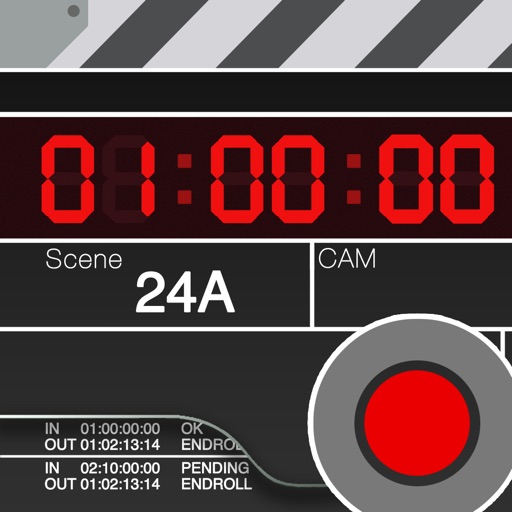
Is a clapperboard and recording sheet for image production. Users can input title, scene, camera, and director details. It includes clapper sound animation and supports global timecodes. Recording takes can be edited and saved in a list.
The app provides a library of chord diagrams for guitar, ukulele, banjo, and mandolin. Users can look up and learn chords with fingerings and variations, and hear how they sound on their selected instrument.
Tune strings with frequency detection and visual indicators. Access smart library and tuning fork. Adjust advanced settings for sensitivity. Display LED tuning status. Works on iPhone, iPad, and iPod touch.
Control multiple pendulums and synchronize them for precise timing. Adjust tempo from 20 to 999 bpm. Use the for practice, live performance, or studio recording. Sync with other devices for coordinated playing.
Customize audio environments with adjustable sound wave settings from 0 Hz to 22,000 Hz. Measure ambient noise levels in real time. Use ultrasonic frequency to deter mosquitoes. Access advanced features via subscription.
The app provides a digital tuner with LED indicators for pitch deviation and a graph displaying sound frequency. It offers automatic or manual note selection and a wide detection range from A0 to C8.
View and edit org mode tasks on mobile. Filter by keyword, tag, and priority. Sync files via cloud providers. Switch between regular and compact display. Toggle task visibility and recurring settings. Export and import org files with high fidelity.
Create custom soundboards with widgets on home or lock screens. Record, import, or extract sounds from files and videos. Tap to play sounds instantly. Organize and manage clips for quick access.
Visualize sound frequencies over time with a time-frequency graph. Adjust color intensity to represent sound levels. Use for analyzing vocal tones, animal calls, and identifying household noises.
Create beats using professional studio samples and preset kits. Record and share beats with friends or the community via social media. Access tutorials and videos to learn production. Apply effects to enhance beats.
Create music themes and sound effects for using MP3, M4A, AIF, or WAV files from your iPod or recordings. Cut and edit audio clips. Export customized sound effects for projects. Supports iPad for larger screen editing.