Customize device appearance with , posters, and widgets. Choose from a wide selection of backgrounds. Apply widgets for quick access to apps. Adjust and organize screens. Share custom designs with others.
, PDF, or vCard formats. Share files via iMessage, email, iCloud, Slack, AirDrop, Dropbox, or other supported services. Save in ready-to-use Excel format. with one tap.
Read PDFs by having read aloud with customizable voices. Highlight words as they are read and scroll automatically. Switch between primary and secondary voices. Resume reading from where you left off.
Create invoices and estimates in three simple steps. Add logos, customize colors and text. Import clients from contacts and include payment terms. Add taxes and discounts. Share via email, PDF, or print.
Convert photos and documents to PDF with camera scanning. Select or scan images, receipts, and paper files. Edit scanned content, add text, and organize files. Export as PDF and share directly.
PDF allows users to extract pages from PDF documents. Users can , view the resulting , share them, and rename individual . Premium subscription enables unlimited splitting, sharing, and renaming without restrictions.
Record phone calls and voice with high-quality audio. Start or stop recordings manually or automatically. Organize files into folders and rename them. Securely store recordings and access them anytime.
Digitize documents, photos, receipts, and notes with high-quality scans. Automatically detect edges and enhance text for clear results. Combine multiple pages into one PDF. Store and share scanned files securely.
Block ads including pop-ups, video ads, banners, and disguised ads on iPhone and iPad. Analyze suspicious domains, IPs, and URLs to detect malicious activity. Prevent tracking and unwanted content. Enhance browsing speed and safety.
Control TV with functions and media playback. Cast photos and videos from Camera Roll. Switch apps and channels. Use keyboard for text input and search. Premium subscription available for enhanced features.
Documents, receipts, and business cards using iPhone or iPad. Add e-signatures and stamps. Convert scans to PDF or JPEG. Share files directly. Edit scanned pages and adjust clarity. Sync with cloud services for storage.
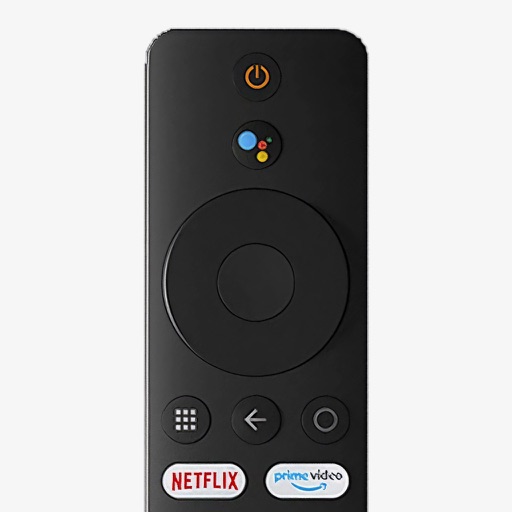
Control your Mi Box with full remote functions including volume, power, and navigation. Manage apps by opening, closing, and switching them from your phone. Use voice search to find content and control playback.
Scan documents to create PDF files. Edit scanned images. Save and share documents directly. Print PDFs from the . Adjust document colors to black, white, or gray. Highlight keywords for easy reference.
Documents by pointing camera at pages for automatic capture. Edit text, add images, and sign digitally. Convert photos to PDF, view OCR text, and use as a pro PDF reader. Share edited files directly.
Scan QR codes, barcodes, and datamatrix codes to retrieve product info, nutrition data, and links. View scan history and look up prices. Generate custom QR codes for contacts, URLs, and locations with color and size options.
Convert images to PDFs and edit document formats like DOCX and TXT. Save and share converted files directly. Adjust image quality and layout before exporting. Manage multiple file types in one .