Learn musical notes by associating them with colors and vibrations. Practice identifying pitches through synesthetic feedback. Track progress and receive guidance to improve recognition without a reference tone.
Analyze audio songs in the iOS music library to display symbols. View chords in graphical piano keyboard or guitar tab formats. Practice and play songs using displayed chords.
The app plays selected music that picks users up and makes them feel good while they work. Users can listen live, vote for songs, record audio messages, and opt into song alerts.
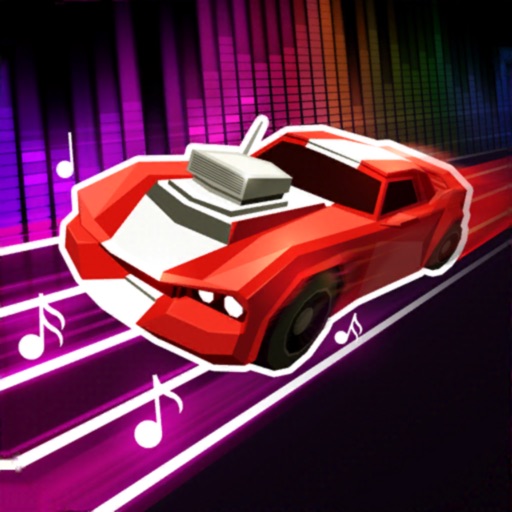
Tap to move and follow the beat while avoiding cars on the opposite side. Choose from various genres and moods. Explore different environments like city, sea, and forest. Play in multiple modes including day-night, rain, and snow.
Create custom music mixes by selecting and ordering songs. Adjust BPM and use visual cues for organization. Choose mix modes and mixing times. Enable light and visual effects during playback. Sync with iOS devices for seamless playback.
Record vocals to generate professional-grade cover songs. Input text to create original compositions. Edit and refine tracks with AI-powered tools. Export and share finished songs in multiple formats.
Play a rhythm game by rotating your device to hit notes. Control character movement with wrist flicks and thumb taps. Listen to kick beats and synths through headphones. Sync with gyroscope for responsive gameplay.
Play a music tile game with 3D visuals. Tap and time actions to stay on the dance line. Choose from high-quality trending songs. Collect stars to unlock new content. Relax while playing.
Listen to live radio streams and access on-demand content. Toggle live stream on or off. Browse and play songs from the radio. Connect with artists and songs through the .
Play two different simultaneously from one device. Switch between tracks, adjust volume for each stream, and control playback settings independently. Sync paired devices for shared listening.
Learn to use a real parametric EQ with interactive lessons. Adjust frequency, gain, and Q settings. Practice equalization techniques and apply them directly to audio projects. Track progress through structured modules.
Play music through a wireless speaker with multi-room audio via Wi-Fi. Control with gestures or voice commands. Set music alarms with favorite songs. Access albums via a round touch screen.
The app provides a first piano experience for children, featuring 83 songs with a guided learning mode. It offers note names on keys and allows users to unlock additional instruments for varied sound experiences.