Create and share 3D holographic tours by capturing and editing spatial . Add interactive elements like videos, images, and 3D models. Publish immersive AR experiences directly from the device for immediate viewing.
Organize and select photos by identifying similar images. Filter duplicates from burst shots, multiple moments, or travel sessions. Choose which photos to keep based on similarity analysis. Sync with iPhone camera roll.
Create with time or location-based alerts. Organize tasks into lists. Use force touch to quickly add new . Set powerful notifications for priority triaging. Track groceries, chores, and daily tasks efficiently.
The app provides real-time reading room seat information for Seoul Campus of KU. Users can view this information on iPhone, iPad, Apple Watch, and Vision Pro, with widgets for quick access.
Access apps, shortcuts, and URLs directly from the Lock Screen. Place custom widget buttons with over 4,000 icons. Configure each to launch apps, websites, or shortcuts. Display custom titles on widgets. Use built-in presets for quick setup.
Record geological observations with spatial data collection using points, lines, or polygons. Capture photos and sketches. Create maps and stratigraphic sections. Use high-resolution image basemaps and nested Spots for multi-scale data management.
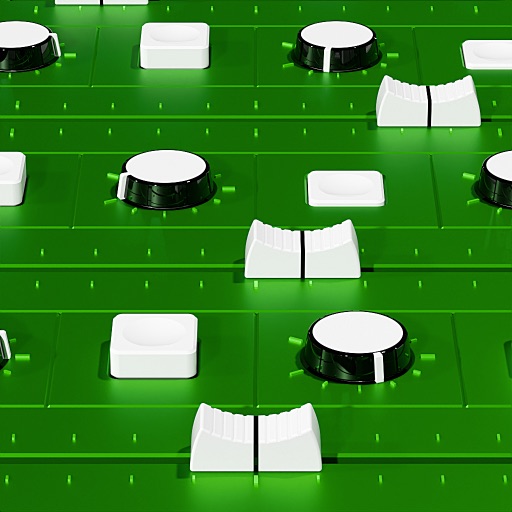
Allows users to control parameters with faders, buttons, and knobs. Controllers can be placed anywhere in physical space. Supports spatial positioning and interaction. Future updates will add more controls.
View directly in the Calendar for better organization. Access a to-do from the home screen for quick task tracking. Use a structured day planner to break down daily activities and manage time efficiently.