Monitor with real-time feeds and motion detection. Control smart devices remotely and receive alerts for unusual activity. View device status and manage settings from a centralized dashboard.
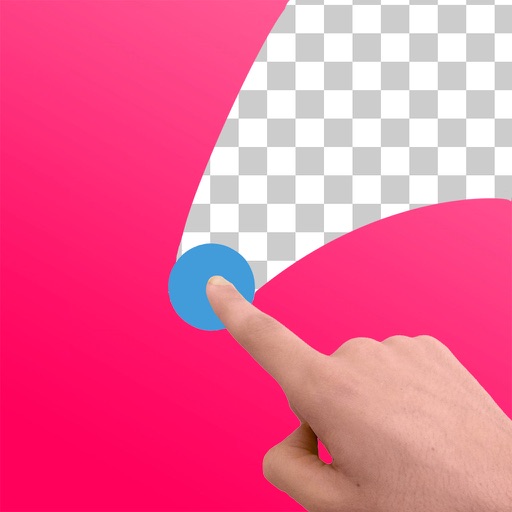
Edit images to remove backgrounds and create transparent images. Use zoom for precise edits. Cut out objects and save as stickers. Export for use in presentations, documents, and image editors.
Edit photos with cropping, rotation, and flipping tools. Adjust composition and apply AI-powered enhancements. Retouch images with advanced editing features. Export in multiple formats and share directly.
Filters, adjustments, and effects. Apply blur, focus, and rotation. Add stickers, text, and on images. Crop, resize, and enhance . Remove blemishes and whiten smiles. Save or share edited images.
Create art with a complete toolset including layers, timelines, and advanced coloring. Edit spritesheets, GIFs, and game assets. Use touch or pen for optimized drawing. Render with high-performance Metal technology.
Edit photos with filters, cropping, and adjustment tools. Add text, stickers, and borders. Export in various formats and share directly. Apply advanced effects and retouch skin tones. Adjust brightness, contrast, and saturation.
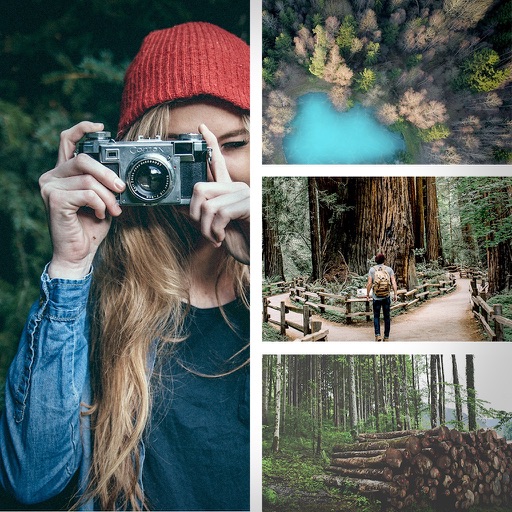
The app allows users to post entire photos on Instagram without cropping. It offers a colorful background option and direct sharing to Instagram, Facebook, and X.
Edit photos with blurring using machine learning. Apply filters and stickers from pre-designed templates. Customize images by adding text and effects. Share edited photos directly.
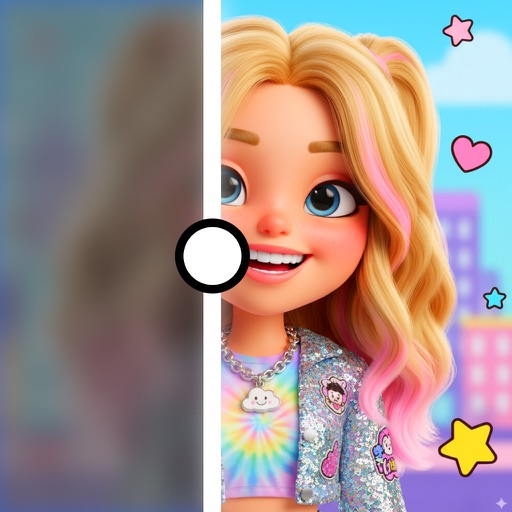
Blurify allows users to specific areas of a or the entire background. They can select from various brush types and shapes to apply . Adjust the intensity using a slider. Pre-set effects can be applied for different styles.
Edit photos with smart foreground recognition to isolate subjects. Add customizable with options for font style, size, color, opacity, alignment, spacing, shadow effects, and background colors. Crop images using an easy-to-use tool.
Edit photos with and subject focus tools. Adjust intensity manually or automatically. Remove unwanted objects from the . Apply filters and make color adjustments. Save and share edited images directly.
Import local images from your gallery or camera roll. Use multiple brush tools to doodle, annotate, or hide information. Create mosaic effects and save or share the edited images.