Challenge allows users to repeat sequences of lights and sounds. Choose between classic, reverse, or random modes. Adjust speed and starting level. Track progress through increasing difficulty.
Create and edit progressions with inversions, sus2, sus4, 7th, and 9th chords. Play chords as piano or synth or send MIDI to macOS. Use phone as MIDI keyboard for macOS. Practice reading musical notation.
Learn notes and chords through interactive . Identify key signatures for major and minor scales. Guess notes on treble and bass clefs. Play competitive to practice guitar and piano chords using a MIDI keyboard.
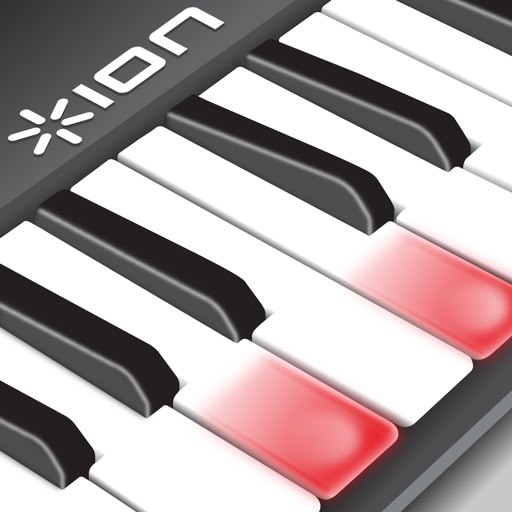
Learn with video lessons featuring Scott Houston. Select songs to practice. Start with right hand, then left, and combine both. Follow illuminated keys on compatible keyboard for guidance. Track progress through lesson completion.
Learn to play the piano keyboard with realistic instruments and interactive lessons. Access piano songs and HD visuals. Play Piano Tiles and Magic Keys mini games. Use single keyboard or multi-colored piano layouts. No Wi-Fi required for gameplay.
Play with and interact with books and gifts on a bookshelf. Eat to level up and play musical instruments like guitar, piano, and trumpet. Engage in popular mini games and unlock additional content in .
Play using a USB MIDI keyboard with 25 or 37 keys. Connect to iPad for full functionality. Access tutorials for setup and use. Select instruments and adjust settings. Export audio recordings. Control volume and effects. Sync with other music apps.
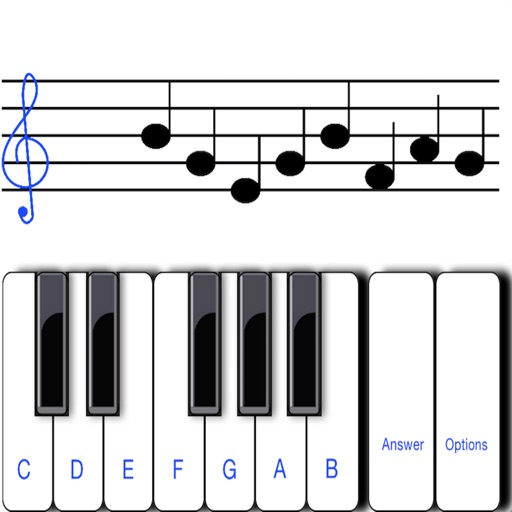
To sight notes in G and F clefs. Practice notes across six octaves, including those above and below the staff. Randomly generated notes apply to any instrument. Switch clefs for varied practice. Beginners can limit octaves and set their pace.