Learn frequency characteristics of instruments and improve EQ skills through educational content. Watch video tutorials on audio mixing techniques. Store and recall custom EQ settings and mix tips.
Adjust audio tracks with up to 12 configurable frequency bands. Apply two compressor curves per band. Add upward and downward saturation. Use external side chain inputs for dynamic control.
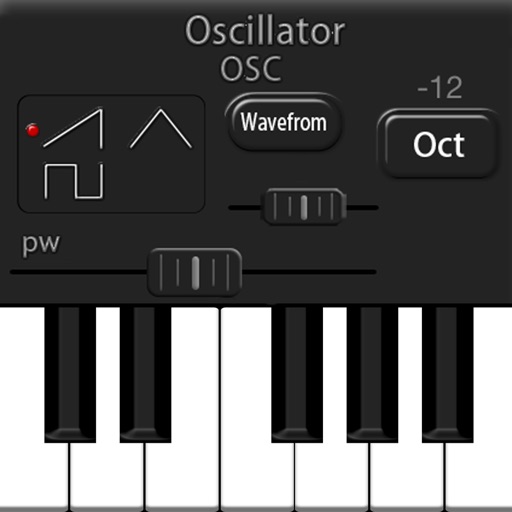
LH Rubbing is a polyphony synthesizer app for iPad. It features three wave oscillators, one noise oscillator, two LFOs, and a three-type embedded filter.
Adjust audio with high- and lowpass filters, 3-band EQ, and a compressor. Apply modeled tube saturation for dynamics control. Monitor waveforms with an oscilloscope. Use as a standalone or AUv3 plugin.
Create rhythms and grooves using modulated and sections. Adjust parameters and modulation settings. Use built-in step sequencer and low frequency oscillator for rhythmic sequences. Sync modulation with host tempo.
The app offers a ten-band graphic equalizer for iOS devices. It allows users to adjust audio tracks from their music library, device files, or iCloud Drive to suit their preferences.
Create music with drag-and-drop audio clips, adjust pitch and tempo, add effects, and mix tracks. Export final songs and share directly. Collaborate in real-time with others.
Adjust audio with four parametric stereo equalizer bands. Set gain, frequency, and Q for peak filters. Use low-shelf and high-shelf filters with adjustable gain and frequency. Enable or disable each band individually.
Apply effect to audio input by adjusting time, feedback, and filtering settings. Integrate as AUv3 plugin with host apps like GarageBand and Cubasis. Export processed audio files directly.
The app offers wireless remote control for PreSonus StudioLive-series Classic mixers. It allows users to adjust mixing functions, including levels, pans, mutes, EQ, and dynamics, from an iPad over a wireless network.
Clean phone speakers by removing dirt, moisture, and dust. Use automatic or manual modes to clear blockages. Adjust sound settings for clearer audio output. Monitor cleaning progress and restart cleaning sessions as needed.