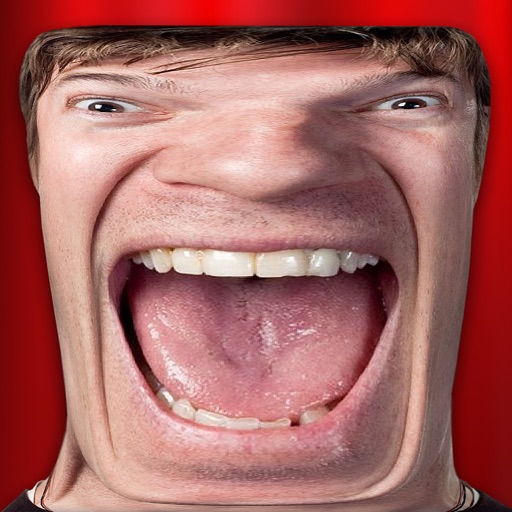
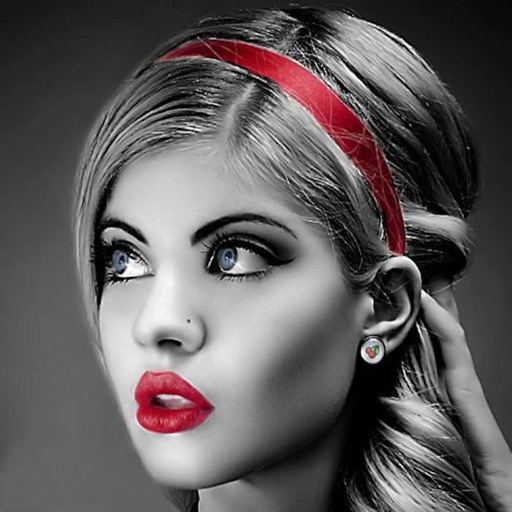
The app converts photos into color effects by applying different image effects. It can be applied to any image and features a user-friendly interface for sharing.
by nedis★ 1.85 ratingsPhoto & VideoFreeData updated 2026-10-16
Create artistic images with single-tap camera effects and professionally designed filters. Adjust brightness, contrast, and tone curve. Blur and focus images. Rotate, crop, and resize photos. Add text and fun stickers.
Create slideshow videos by selecting templates, adding photos or videos, and applying transitions, animations, and effects. Customize with stickers, fonts, and music. Share directly to social media platforms or save to camera roll.
Edit photos by applying AI-generated filters and effects. Choose from various styles and presets. Process images automatically for polished results. Share edited photos directly.
The app allows users to combine multiple photos into a single collage. Users can select from various layouts and frames, add captions, and apply special effects.
The app records video and captures photos with real-time fisheye, film filter, and particle effects. It offers nine fisheye lens options and eight particle effects like stars, snow, and hearts.
Turn photos into drawings, cartoons, or sketches with one click. Apply various effects including black strokes, white strokes, pastel, and halftone. Adjust edge strength, opacity, contrast, brightness, and saturation.
Edit photos with brightness, saturation, and contrast adjustments. Add text, stickers, and memes. Crop, rotate, and straighten images. Apply effects and frames. Sharpen or blur photos. Import images from the camera roll. Fix red tones.
AI-powered editing transforms photos into cartoon art, watercolor paintings, or other creative styles. Users can apply filters, adjust colors, and add effects. Export edited images in various formats and share directly.
Apply art to photos for creative visuals. Add spiral effects and blur backgrounds. Use emoji art, background art, and outline art to enhance images. Apply AI, cartoon, neon, and mask effects. Create retro, atlantis, and big camera styles.
Create personalized with custom frames and effects. Add multiple photos to make a collage. Design greeting with floral themes. Share finished via email or social media.
Edit videos by colorizing specific parts and adjusting brightness, saturation, and hue. Change of selected areas, adjust contrast and white balance, and apply vignette effects. Convert videos to black and white with retention in chosen details.
The app transforms photos into multicolor mosaics with intuitive dial-based controls. Users can save creations to their phone or share them via various social media platforms and email.
The app provides numerous effects to transform photos into fantasy images. Users can combine and adjust effects like rings, swirls, and fireworks to create unique pictures.
Edit photos with color filters, light effects, and frame borders. Apply effects like Instafit and Orton. Add film grain and adjust contrast, brightness, and saturation. Include text with 30+ fonts. Share edited images to social networks.
Create and share short videos as animated GIFs or MP4. Capture frames with the or import photos, videos, or live photos. Apply real-time color filters, add text or frames, and record stop motion.
Take photos and videos with 9 customizable effects including smile enhancement, face stretching, and character transformations. Adjust effects on-screen. Share images and videos via email, Twitter, or Facebook.
Edit photos with selective effects using gesture controls. Zoom and pan to adjust splash areas. Convert parts of the image to grayscale while keeping selected regions in full . Export edited photos directly.
Using artistic fonts and effects. Adjust size and shadow. Apply stickers and tattoos. Choose colors and rotate . Share edited directly to social media.
Create reflection for photos with left-right, up-down, and repeating options. Apply cool filters and artistic frames. Edit images to generate twins and typography .