The app allows users to create banner messages with customizable backgrounds, colors, and fonts. The full version offers additional backgrounds, fonts, and removes advertisements.
by Ricardo Corin★ 4.136 ratingsPhoto & VideoFreeData updated 2026-10-16
Browse web pages to set as wallpapers. Select from HTML and CSS content. View in table or list format. Take screenshots for wallpaper use or save to photo roll. Full screen mode with customizable backgrounds. Save image links for easy access.
Access a collection of , home screens, and backgrounds for HD quality display. Select and save preferred images to set as wallpaper. Categories include recommended, popular, and latest options.
Create animated invitations by selecting from ready-made templates, customizing text, images, and music. Add personal touches and export videos to share via email or social media.
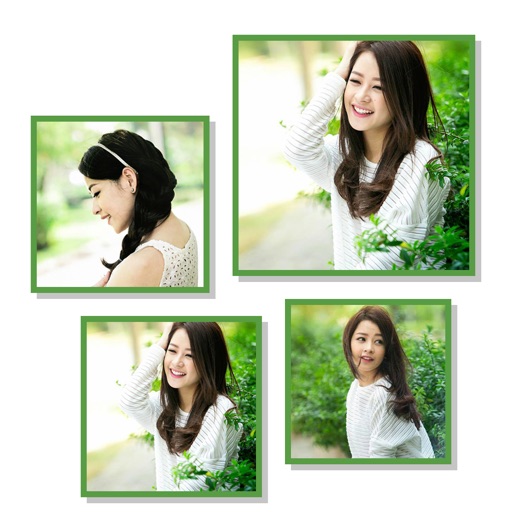
Take selfies and photos using front and back cameras. Apply live filters and magic filters. Crop, rotate, and flip images. Add text with various fonts and colors. Apply stickers and share edited photos.
Create expressive text art by drawing with realistic brush strokes. Choose from artistic fonts and customize colors and styles. Resize or crop backgrounds to fit designs. Edit text layers by moving, resizing, and rotating.
Create -themed photos with customizable , stickers, and text effects. Apply color filters and adjust brightness. Share edited photos directly to social media or messaging apps.