The app allows users to crop photos into squares and arrange them to create banners and photo grids on Instagram. Users can add tags and captions, and upload directly to Instagram or save to their camera roll.
by Eyetap Soft LLC★ 3.147 ratingsPhoto & Video$0.99Data updated 2026-10-16
Edit photos with color and film filters, vintage textures, and light leak effects. Adjust brightness, contrast, and saturation. Add vignettes and analog film sensations. Export edited images in various formats.
Allows users to apply effects to backgrounds. Select images from the gallery or capture new photos. Use multiple blurring tools to adjust the effect. Export edited images directly.
Remove backgrounds from photos using AI-powered auto-detection. Cut out subjects with one touch. Export as high-quality PNGs with transparent backgrounds. Edit images by adjusting edges and refining details. Save and share edited files directly.
Blur image backgrounds to create effects. Select photos from gallery or capture new images. Apply multiple blurring tools to adjust blur intensity. Export edited photos to device storage.
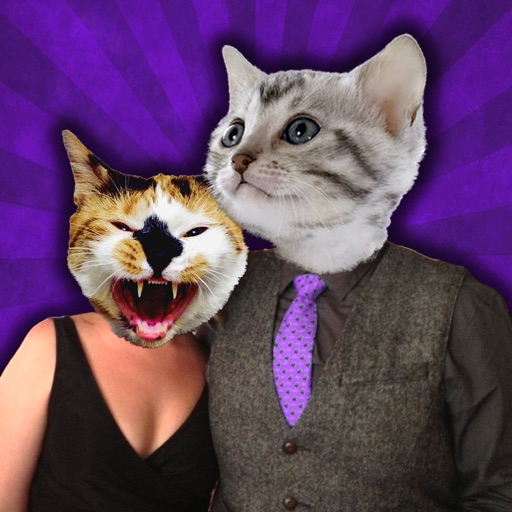
The app creates unique photo compositions by combining two images from the user's camera roll. Users can also apply filters to existing photos for new visual results.
The app transforms photos into halftone and rasterized artwork using dots, lines, and shapes. It offers creative modes like Grid, Interlaced, Radial, and Photo, with options for bicolor, multicolor, or full color.
Capture spatial photos and videos in 3D on iPhone Xs and later models. Record up to 4K and HDR spatial videos on compatible devices. Use time-lapse mode for dynamic captures. Launch Spatial Camera from the lock screen on iOS 18.
Resize photos with batch processing for multiple files at once. Use smart crop tools with customizable aspect ratios. images to reduce file size without quality loss. Rotate and flip photos for correct orientation.
The app allows users to fit full-size photos into a square format for posting without cropping. Users can move, rotate, scale, or flip photos and change backgrounds using colors, gradients, or patterns.